
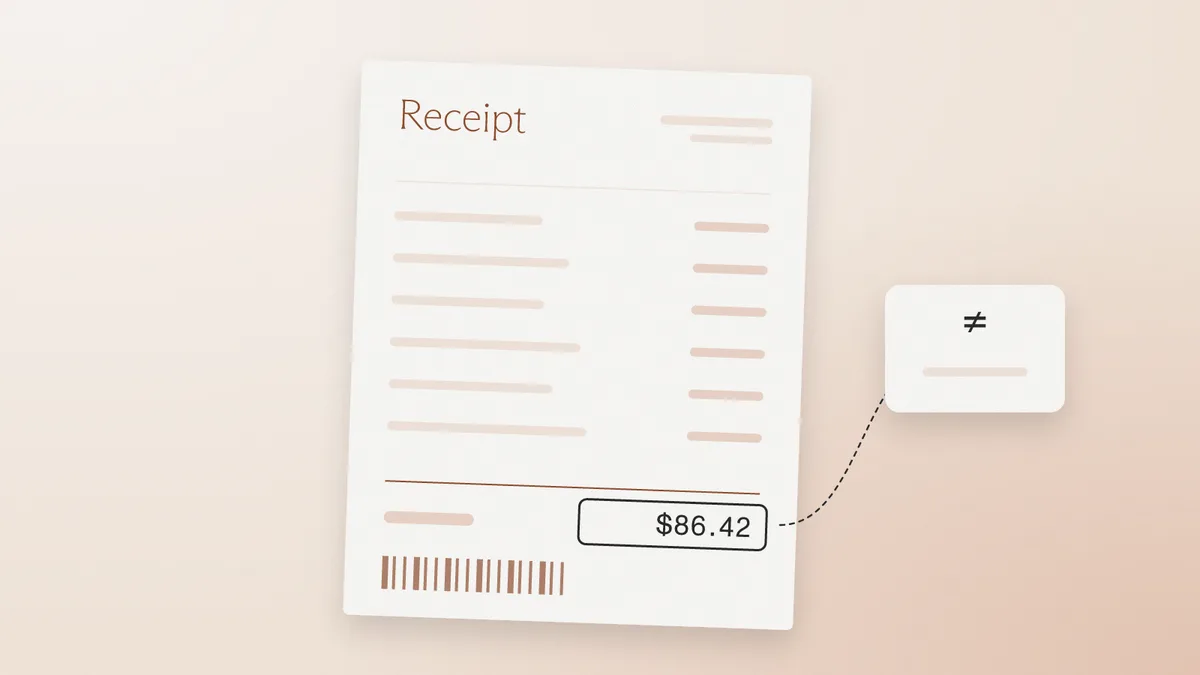
How to Spot a Fake Receipt in Expense and Insurance Claims
How reviewers spot a fake receipt: tells that hold up, why photos show less, and how card data and merchant records confirm a purchase.

TL;DR: To tell if a PDF has been edited, open Document Properties, compare the created and modified dates, read the producer field and font list, then check the file's save history and any digital signature. None of these proves an edit alone, because printing to PDF, scanning, compression, and form filling leave similar marks. Signature panels need care too: a 2018 evaluation found 21 of 22 desktop PDF viewers vulnerable to at least one signature attack before coordinated disclosure led vendors to work on fixes.
A PDF viewer can reveal much of a file's recorded history without special software. Two kinds of fake need separating first. An edited-after-creation file began as a genuine document, and someone changed it later. A generated-from-scratch file has no genuine original, so it may show no sign of editing at all. Detecting an AI-generated PDF is a different exercise, and a clean edit history says nothing about it.
Cotality's 2026 fraud report estimated that 1 in 119 US mortgage applications carried indications of fraud in Q2 2026, and it warned that AI has made altered documents harder to identify. Looking closely at the page is no longer enough, so the inspection moves to the file.
Work on a copy of the file. Keep the original untouched, and close any editor without saving, because a save can change the very fields under review. The deeper field-by-field reference is in PDF metadata analysis.
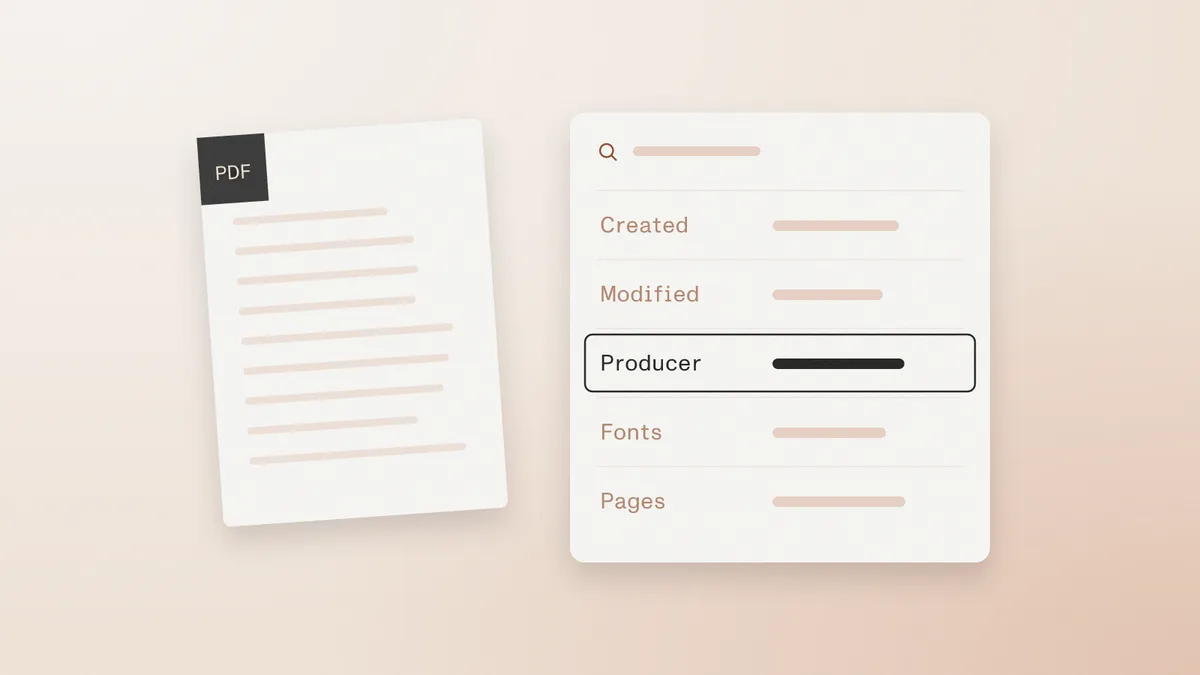
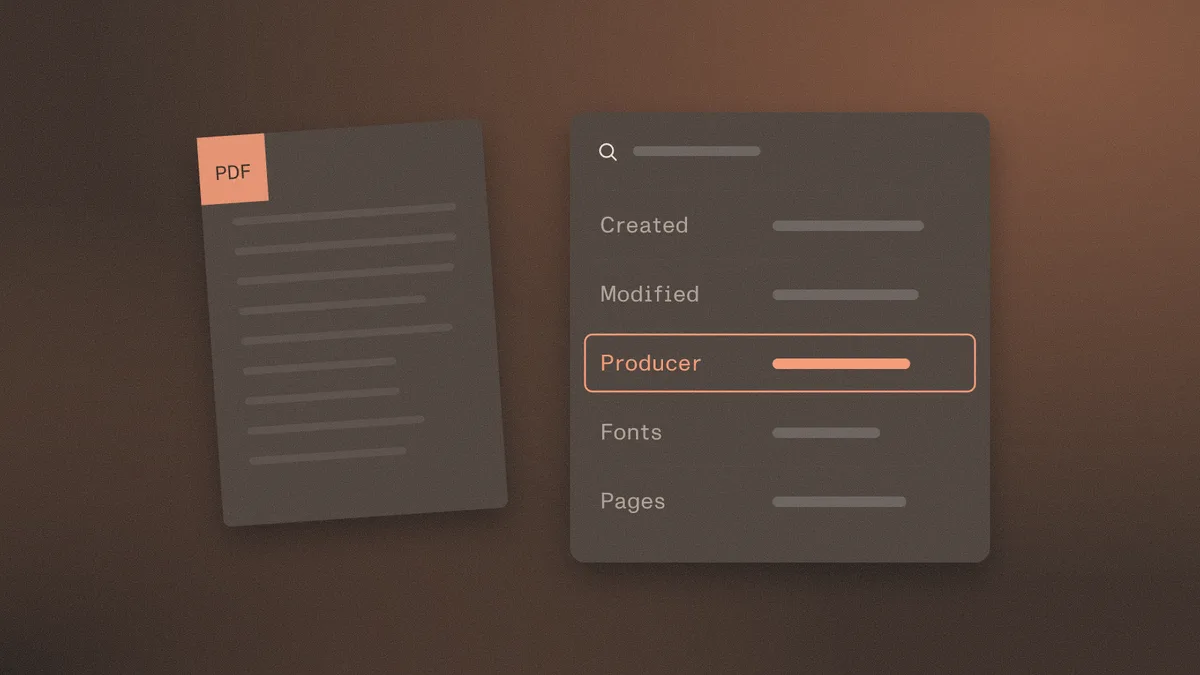
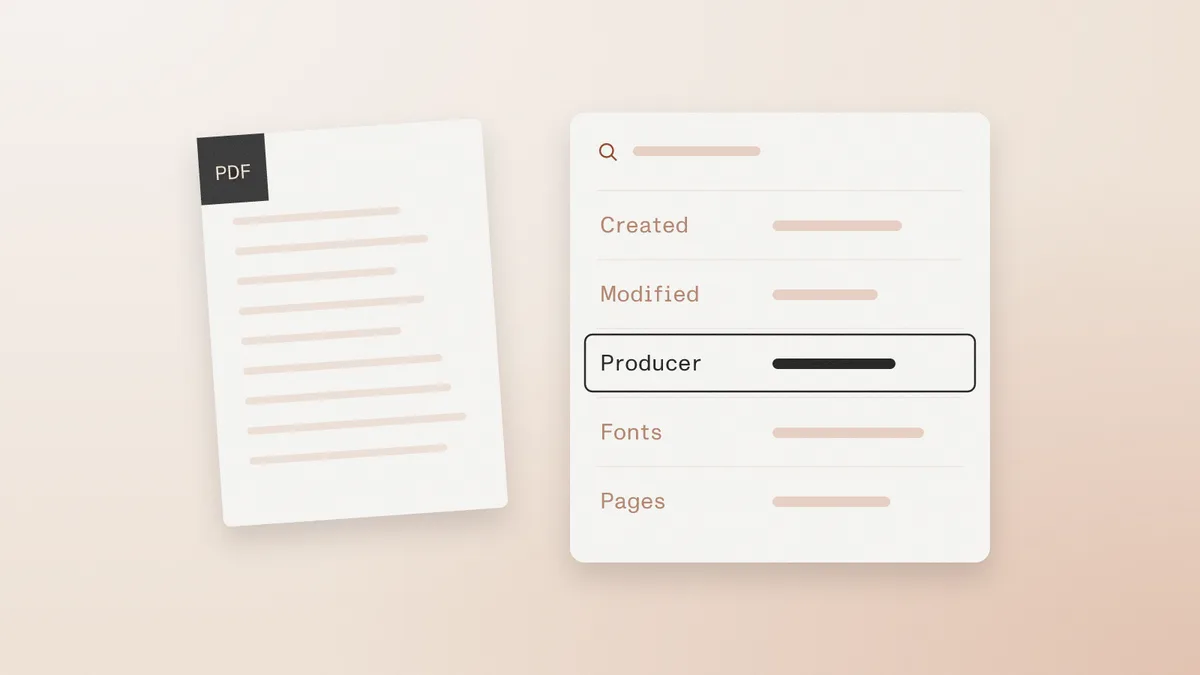
In Adobe Acrobat or Reader, Ctrl+D or Cmd+D opens Document Properties. The Description tab shows the title, author, Created, Modified, Application, and PDF Producer, and other viewers offer similar panels under their own labels. Read the panel as a set of claims the file makes about itself. Under ISO 32000-1, these fields are optional, and the PDF Association's forensics presentation describes them as easily editable. A blank field proves nothing either way.
Matching or near-matching dates suit a file written once. A Modified date well after Created means something wrote to the file again. Compare both dates with the date printed on the document and the date the file arrived. A March statement created in early April fits. A March statement created in September, then modified minutes before submission, needs an explanation.
Dates mislead in both directions. A later Modified date often reflects a form fill or a signature. Matching dates can belong to a brand-new file created by printing an already altered document. Both values also depend on the software and clock that wrote them.
ISO 32000-1 defines Creator as the product that made the original document before conversion, and Producer as the product that converted it to PDF. Acrobat displays these as Application and PDF Producer. Ask whether the pair fits the issuer, ideally by comparing a known-genuine file of the same type from the same institution. A payroll export whose producer names a consumer editing product deserves a question.
The same PDF Association presentation recommends that editing tools leave the original creator in place and update the producer. That is a recommendation, and software does not follow it uniformly. A producer that fits the issuer does not show the file is unchanged, and one that does not fit may reflect an accountant's merge or a scanning workstation.
ISO 32000 lets software save changes by appending them to the end of a file, leaving the earlier bytes in place. The viewer shows only the latest result. To look for appended sections, open a copy in a plain text editor and search for the marker %%EOF. The PDF Association's incremental save guide lists this marker and the Prev key as the starting points. More than one marker suggests more than one section.
The count needs interpretation. Linearized files, which Acrobat reports as Fast Web View: Yes, can resemble an incremental save without being one. Form filling, annotations, signatures, and changes with no visual effect also create new sections. A single marker does not clear the file either, because many tools write a full save that carries no earlier version forward. The count says that a file changed more than once. It does not say what changed.
A digital signature is the strongest of these checks where one exists. An image of a signature on the page is not one. Adobe's validation guide explains how to open the Signatures panel and review the signer's certificate. Acrobat also offers View Signed Version and Compare Signed Version to Current Version, which show what the signature covered and what came afterward.
Read the status precisely. A changes-after-signing message is routine when a second person signs or completes a permitted field, and the comparison shows whether the change matters. An unknown status often points to a certificate the viewer does not trust, a separate issue from tampering. Signature time can come from the signer's computer clock unless a trusted timestamp was used. A valid signature shows that the signed bytes are intact and says nothing about whether the content was true when signed.
Viewer software is also part of the check. The PDF Insecurity research found the 21-of-22 result among desktop viewers tested in 2018, so reviewers should use a current, patched viewer for this step.
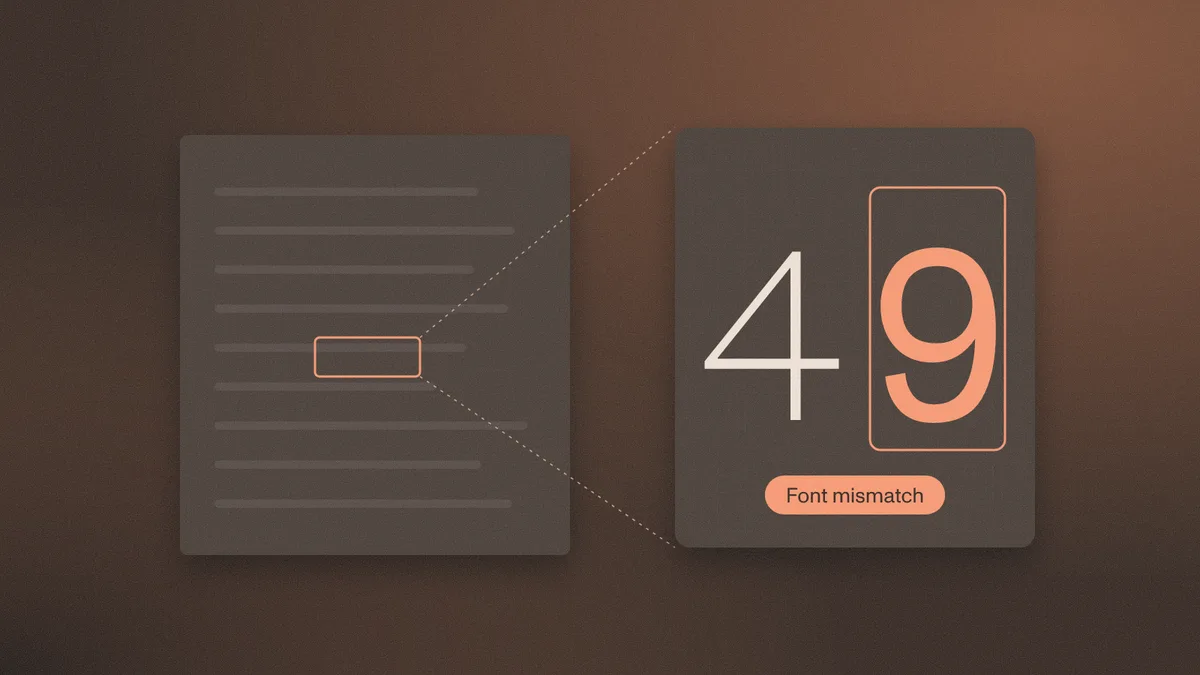
The Fonts tab in Document Properties lists the fonts used and how they are stored. An entry marked Embedded Subset is normal, and a six-character prefix before the font name is simply how subset fonts are labeled. Compare the list with a known-genuine sample. A face that does not belong to the issuer's usual output is worth following up, as is a figure that looks subtly different from its neighbors at high zoom.
The list applies to the document as a whole, so it cannot say which line used which font. Letterheads, appended pages, and text recognition layers can all add fonts legitimately. A purely scanned page may list no fonts at all.
Knowing how to tell if a document has been altered comes down to corroboration, because ordinary handling produces most of the same marks as tampering. These routine events are the usual explanations a reviewer should rule out.
Print-to-PDF files deserve particular caution, since a re-rendered copy behaves much like a screenshot.
Weigh signals together, against the claimed issuer and the workflow that should have produced the file. An issuer-style producer with one later save may be a form fill. The same save, a mismatched font near a salary figure, and a modification minutes before upload form a pattern that needs an answer.
Escalate when the evidence touches something that matters. Common triggers include an invalid signature, a signed version that differs from the current one in a material field, a producer that cannot belong to the issuer, several appended sections with no workflow to explain them, or a submitter who cannot say how the file was handled.
Keep the original bytes and record what each panel showed. Ask for a fresh export sent directly from the issuer's portal, then compare the two files. Contact the issuer through details found independently, never through a phone number or link printed on the document. To read the history of a file at the object level, run it through the Watchdoc playground or hand it to a forensic examiner.
File inspection has a hard limit. It describes how the PDF was made and changed, and it cannot prove the income, payment, or shipment on the page was real. Only the issuer, the payer, or another independent record can confirm that.
Manual inspection works for a single file. Watchdoc applies six checks at volume: production method, timestamp trail, issuer matching, consistency, model artifacts, and recycled patterns. Sphinx prepares the evidence and a traceable recommendation, and the team keeps final approval. Published figures are a 94.3% correct verdict and clean files cleared in under 28 seconds, at $0.45 per document with no seats or platform fee. Watchdoc examines the file. It does not verify a person's face or connect to bank accounts. The free playground covers 50 documents with no card required.
For a PDF, compare the created and modified dates, the producer, the font list, the number of saved sections, and any digital signature, then compare those results with a known-genuine file from the same issuer. No single sign is conclusive. The issuer can confirm whether the contents match its records.
No. Form filling, signing, compression, and ordinary re-saving can all update the modified date. The later date means the file was written again, so the useful follow-up is what changed and who handled the file.
A valid signature means the bytes covered by that signature are intact when checked in a current, trusted viewer. Content can still be added after signing, so reviewers should read any changes-after-signing message and compare the signed version with the current one. The signature does not establish that the signed statements were true.
Yes. Properties can be absent or rewritten, and many ordinary tools produce a full save that carries no earlier versions. A file with no visible signs of editing is not thereby proven genuine, which is why outside confirmation matters for material decisions.
Only sometimes. Incremental saves keep earlier bytes in the file, and signed documents let a viewer display the version that was signed. Other saves replace the prior structure, so a missing history proves little.
How reviewers spot a fake receipt: tells that hold up, why photos show less, and how card data and merchant records confirm a purchase.
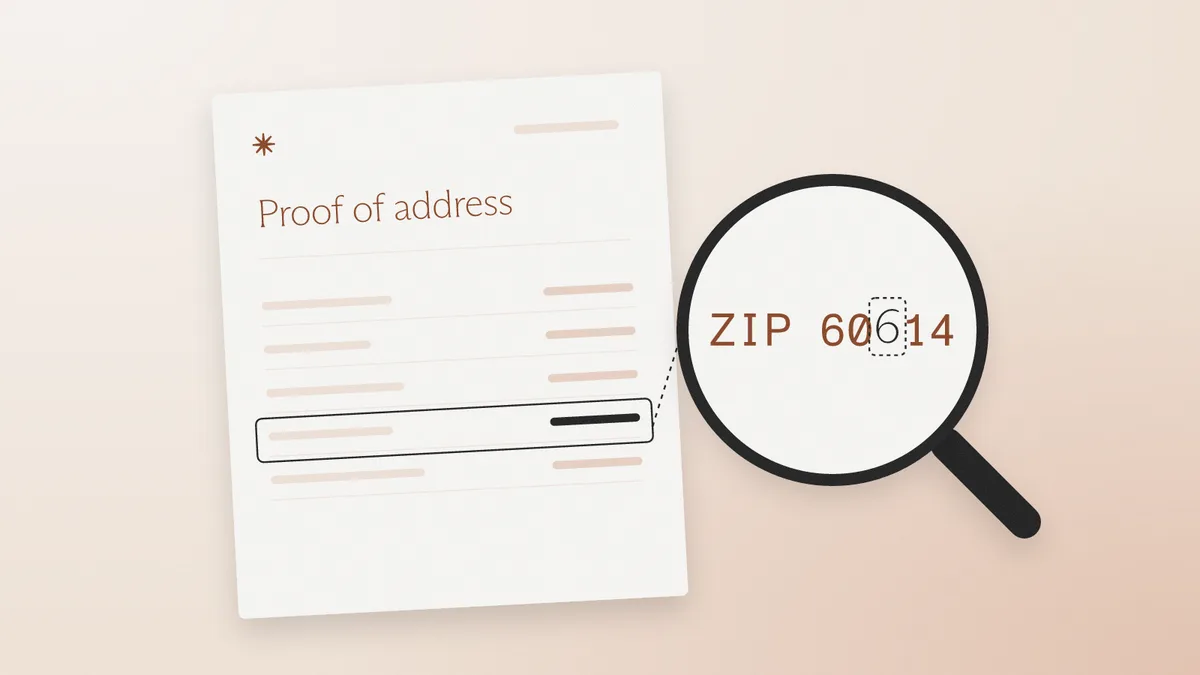
How to spot a fake proof of address across utility bills, leases, and statements, and what US CIP actually requires for an address.
How lenders, landlords and underwriters spot fake proof of income: test whether the documents agree, then confirm the figure at a source.
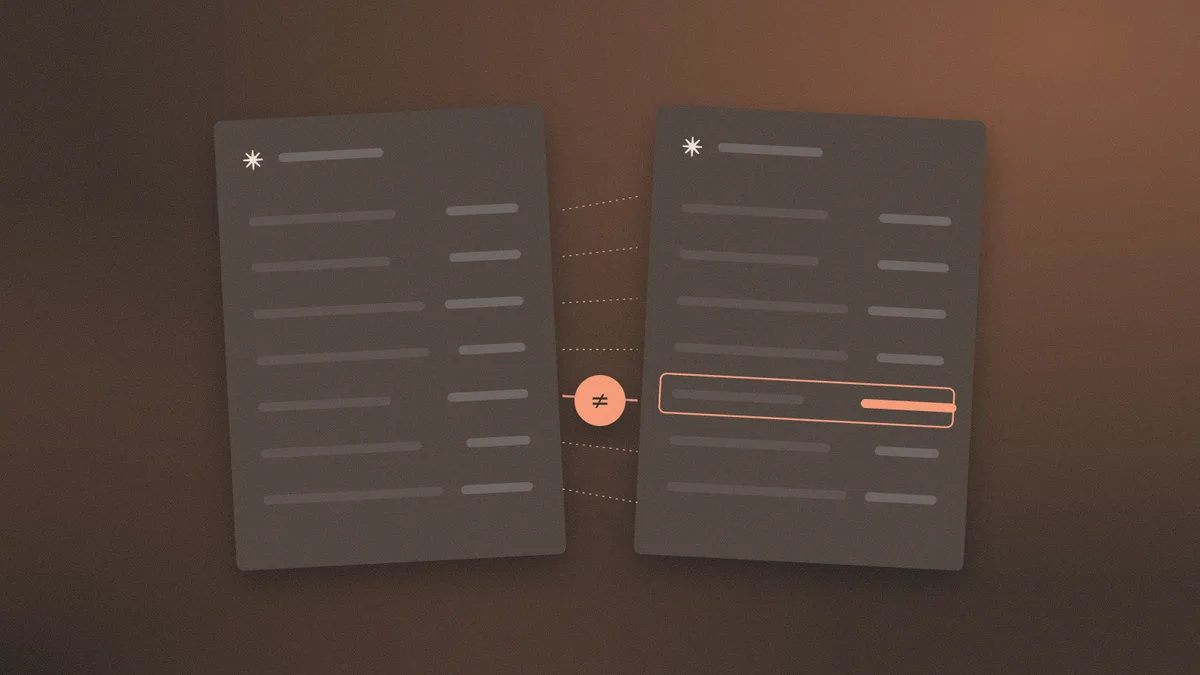
What a fake document checker can tell from a file, how to read its verdict and score, and what to check before uploading sensitive documents.
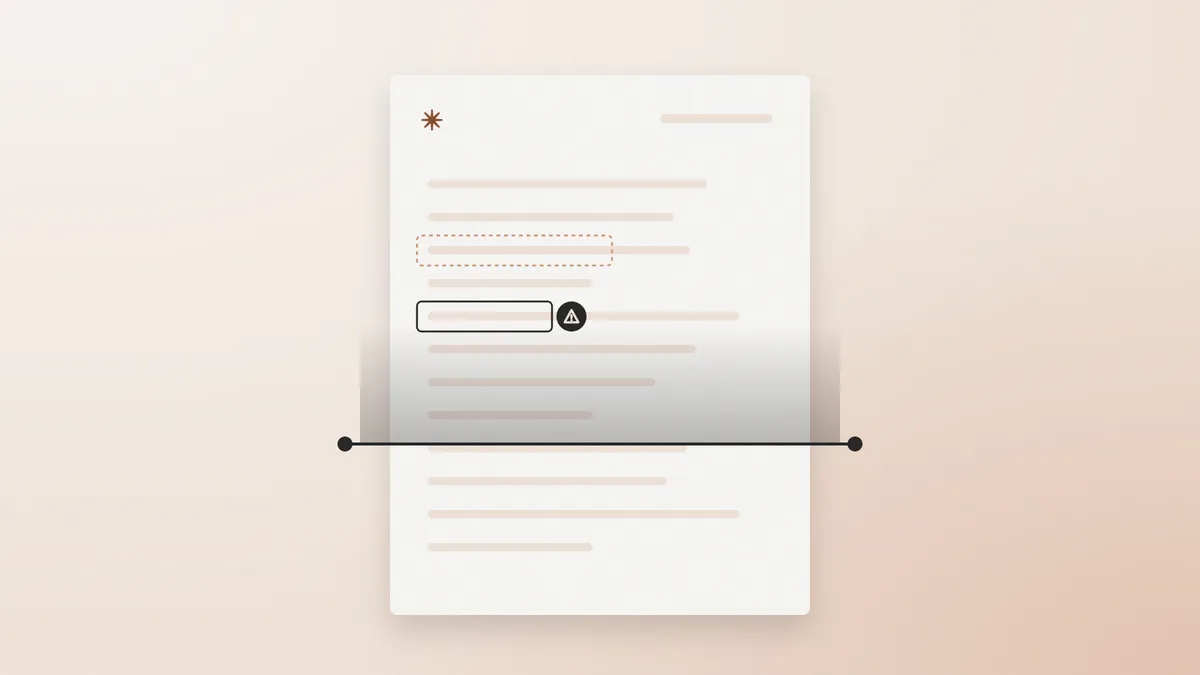
Fake documents grouped by the fraud they enable: income, banking, corporate and tax. 20 file types, each one's strongest tell, and a full guide.
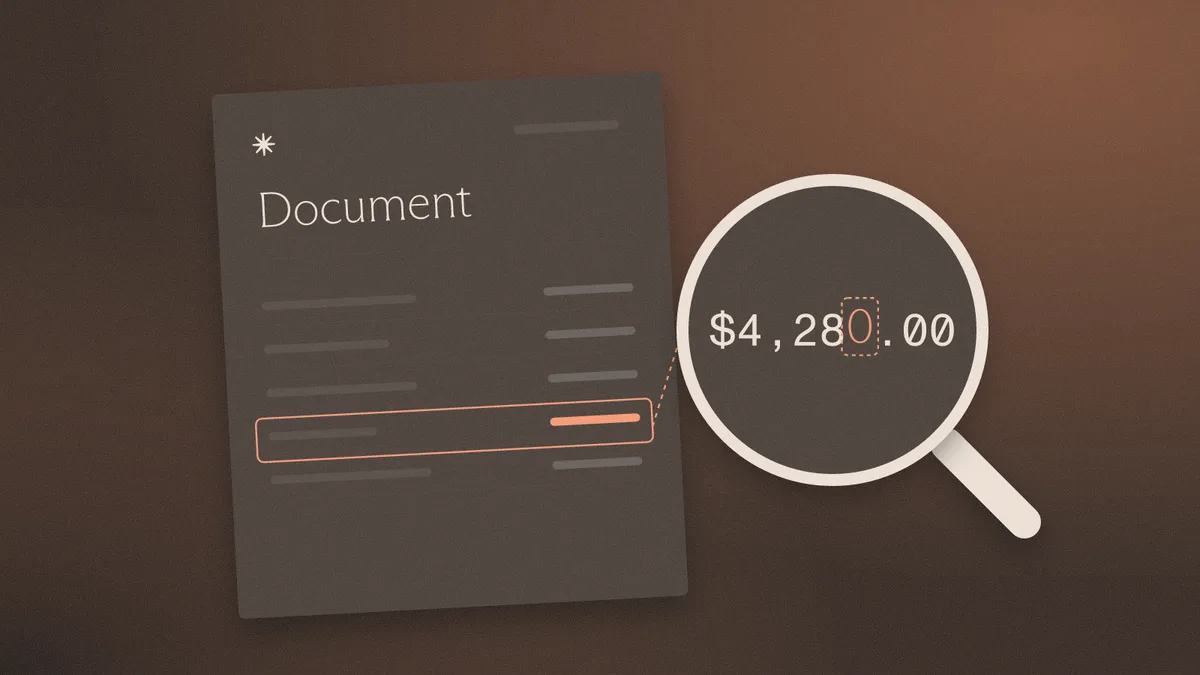
Eight AI-generated document detection tools compared by fit, what each reads, and its limits, plus why no detector catches every forged file.

Bank statement fraud detection software compared for lenders and KYB teams: file forensics, statement analysis, and when a bank connection wins.
Eight document verification tools for banks, lenders and fintechs, sorted by job: identity documents, income files, and whether a file was altered.

Resistant AI alternatives for document forensics and transaction monitoring, ordered by fit, with what each does and where it stops.
Six Inscribe alternatives, sorted by what a buyer needs: work after the flag, document mix, data terms, pricing and how edits get caught.
Eight document fraud detection tools compared by what they test, how they explain a verdict and how they price.
How to spot a fake letter of credit or SBLC: why a standalone PDF is a red flag, tells that still work, and six checks on the file.
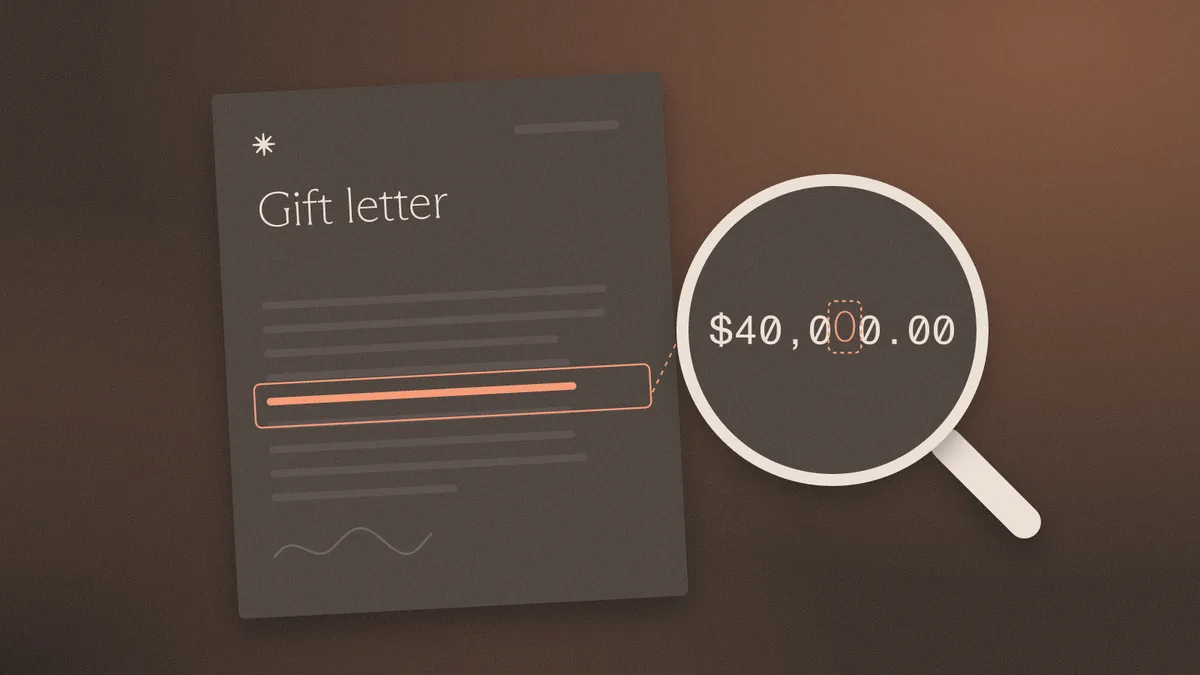
How to spot a fake gift letter: disguised loans, interested-party money, and how to verify the donor's transfer against Fannie Mae and FHA rules.
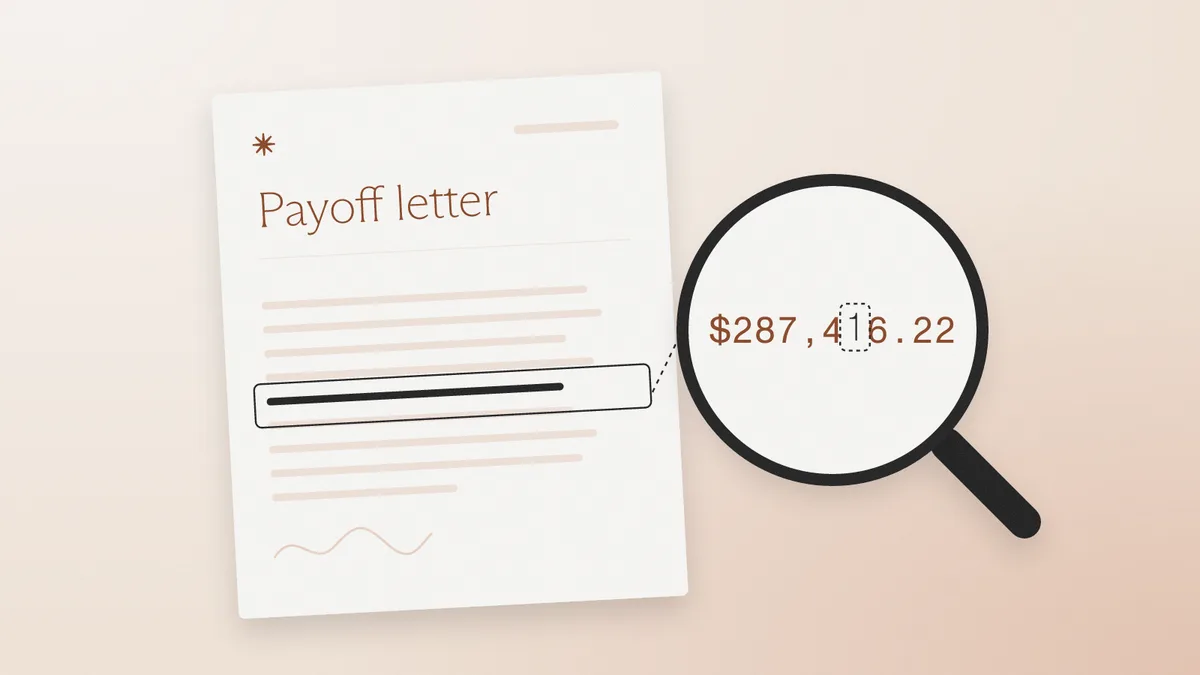
How to spot a fake payoff letter: altered wiring instructions, the tells that fail, and six checks on the file before the payoff wire goes out.
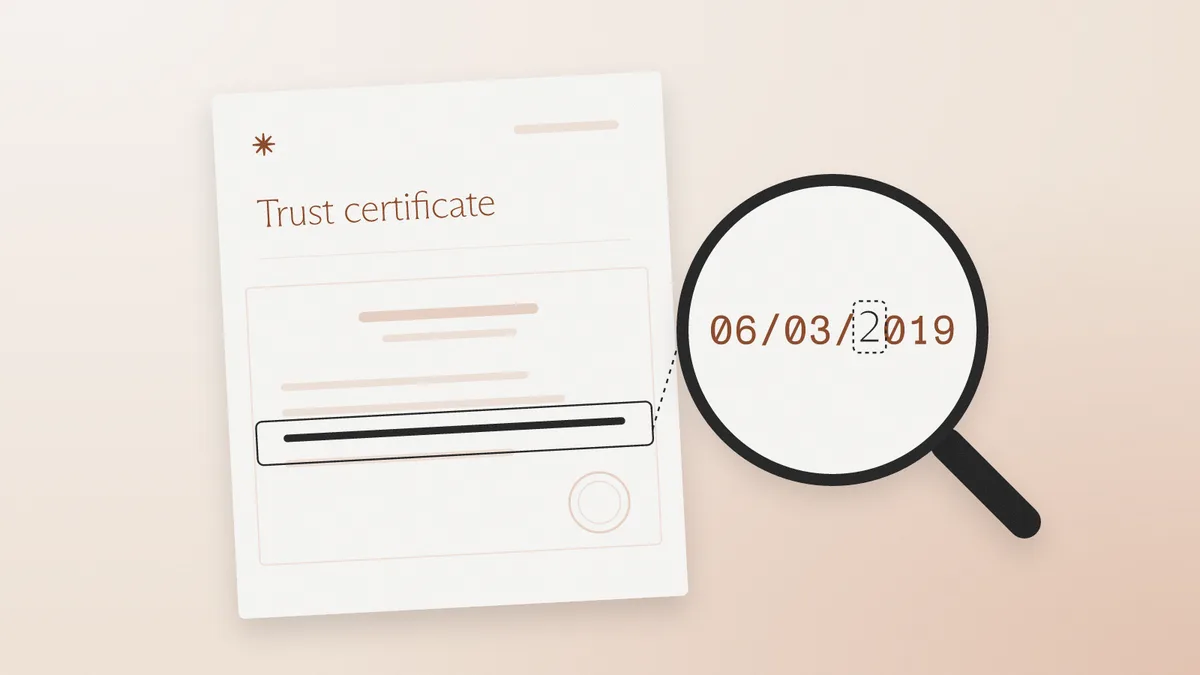
How to spot a fake certificate of trust: edited trustee names and powers, notary checks, beneficial ownership, and six checks on the file.
How to spot a fake shareholder register: edited percentages under the 25% UBO line, cap tables vs. registers, and the checks that catch them.

How to spot a fake crypto exchange statement: edited PDFs, CSV exports, on-chain withdrawal checks, and six checks on the file.
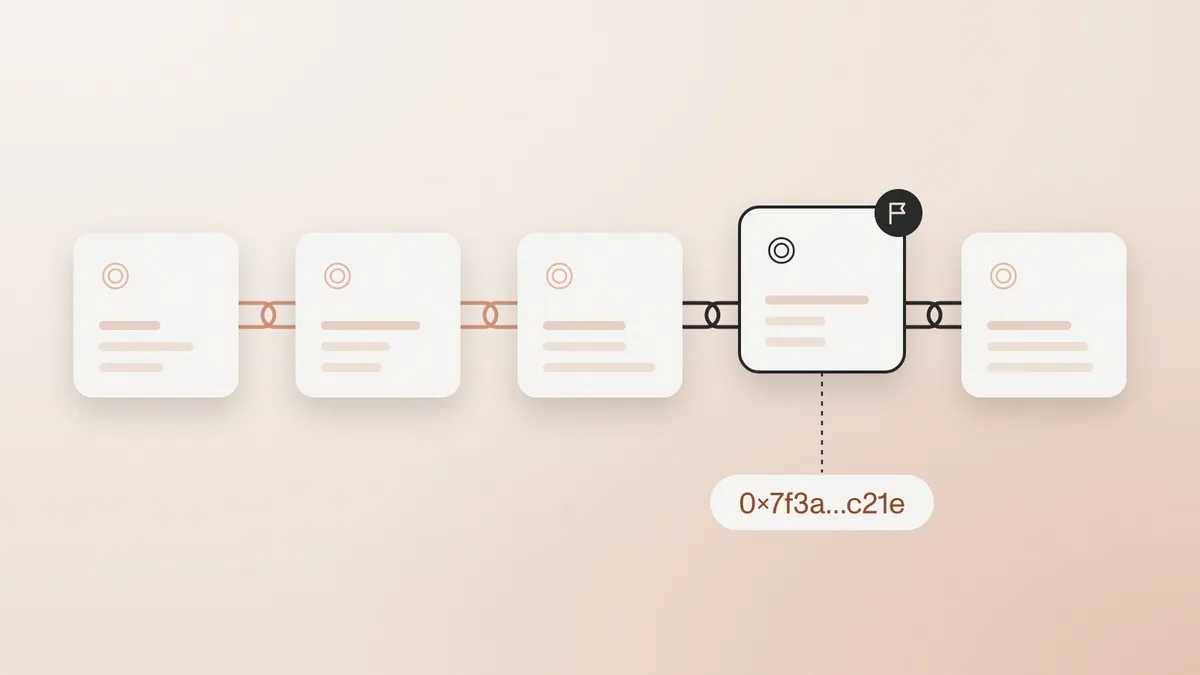
How to spot a fake credit card statement used for proof of address, debt verification, or source of funds: edited balances, broken math, file checks.
Spot a fake W-8BEN by reading foreign status, the treaty claim, and the file. The IRS publishes a blank and does not certify the form.

How to spot a fake partnership agreement: edited partner lists, signature blocks never executed together, and no state filing for a general partnership.

How to spot fake corporate bylaws: rules that contradict the articles, adoption before incorporation, and a template reused across companies.
How to spot a fake stock certificate offered as KYB ownership evidence, when the ledger matters more than the vignette.
A Schedule K-1 reports a partner's share of income. Capital-account math, form year, and an IRS transcript catch edited and generated fakes.
A fake 1099 is an information return edited after creation or generated from scratch. Match it to the IRS wage and income transcript.
How to spot a fake employment verification letter: edited versus generated files, the tells that fail, and six checks on the file.

Spot a fake mortgage statement by confirming principal, amount due, due date, and rate with the current servicer.
Spot a fake W-9 by matching the line 1 name and TIN. The IRS publishes a blank form and does not seal a completed one.
Spot a fake merchant statement by rebuilding amount processed from the fee lines and confirming the merchant ID with the processor.
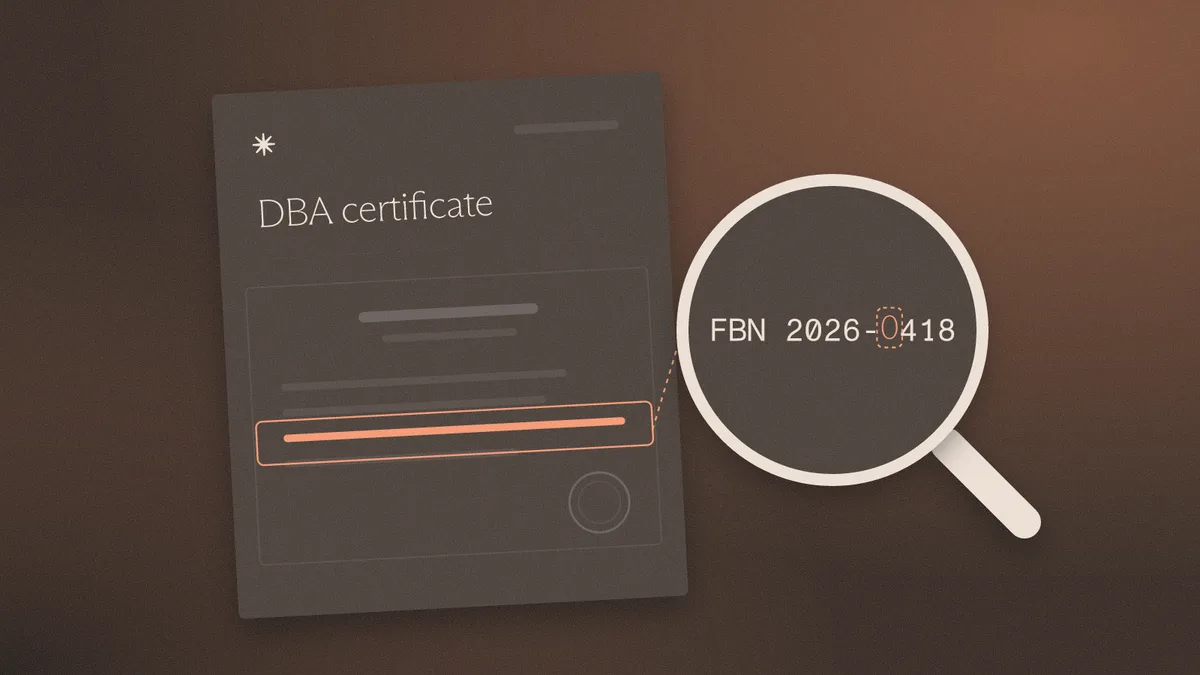
Spot a fake DBA certificate in the county index: file number, registrant, and expiration. A filing is not good standing.
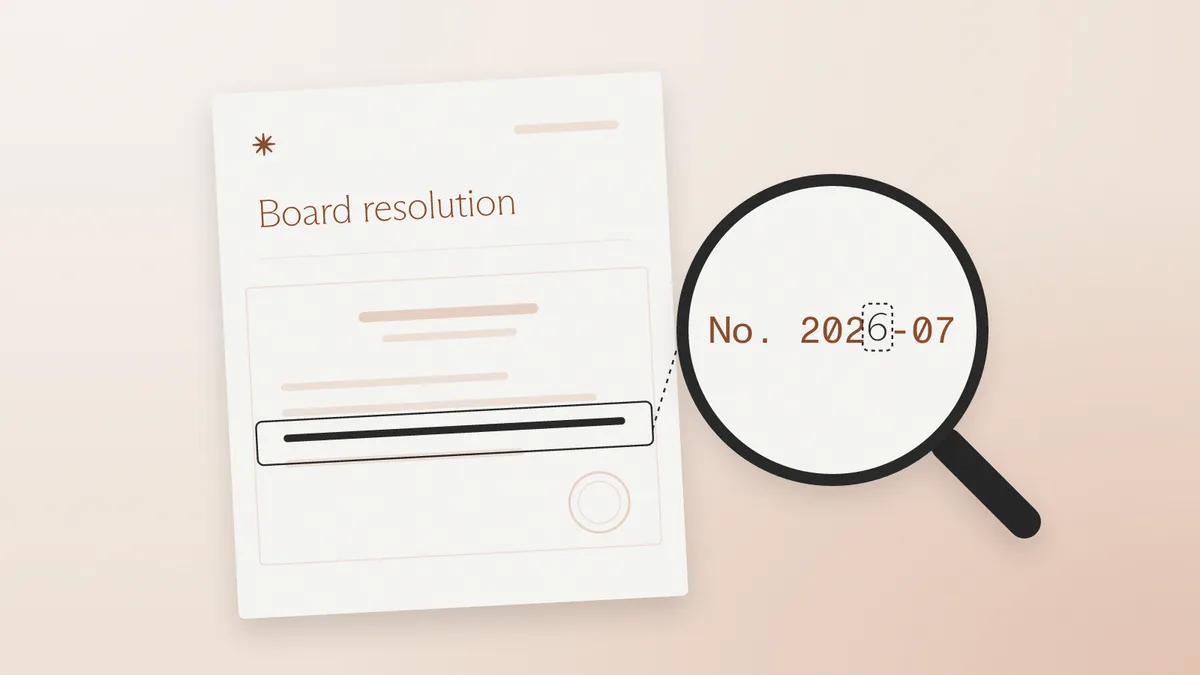
Spot a fake board resolution by checking that the certifier is not the empowered signer and that the resolution date comes first.
Spot a fake certificate of incumbency by checking the certifier and the state's officer list. A seal does not prove the offices.

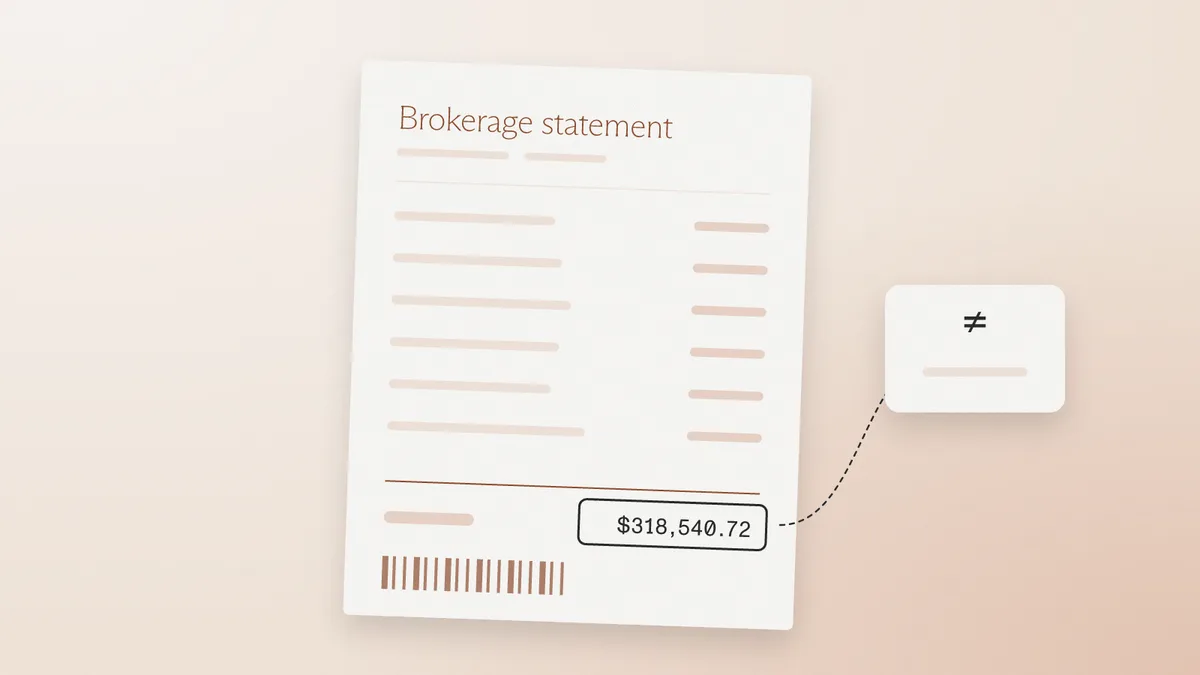
How to spot a fake brokerage statement used as proof of assets, and why file history beats a clean layout.
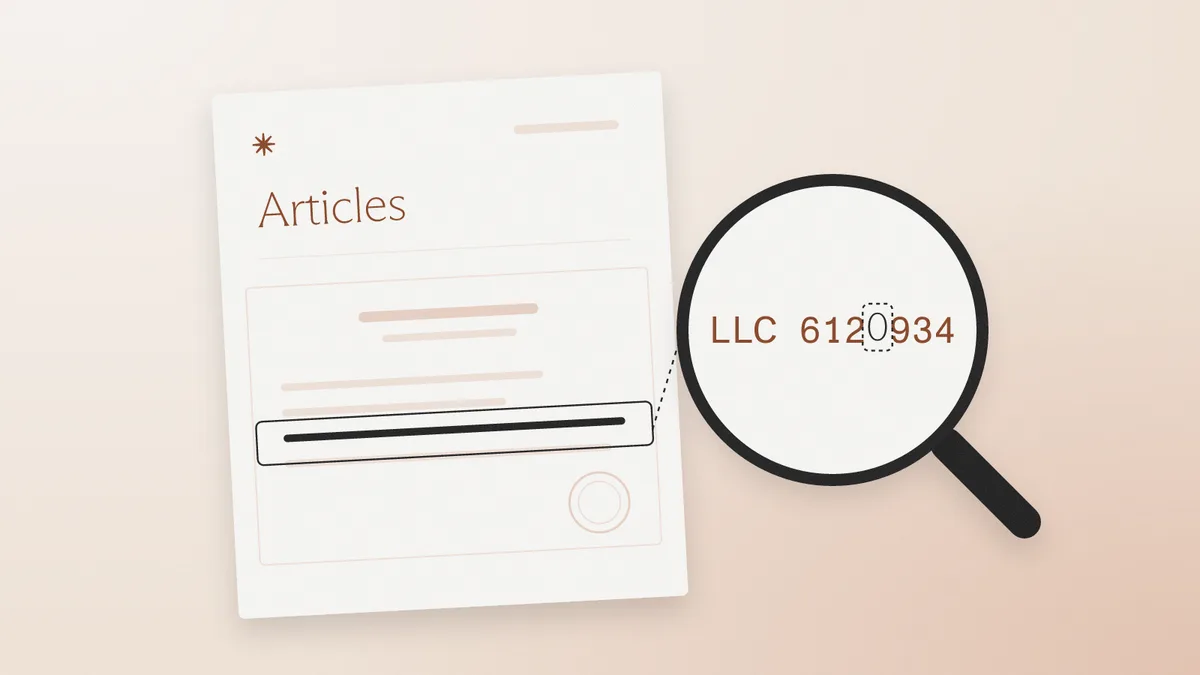
How to spot fake articles of organization by matching the file number and filing receipt to the state record before the account opens.
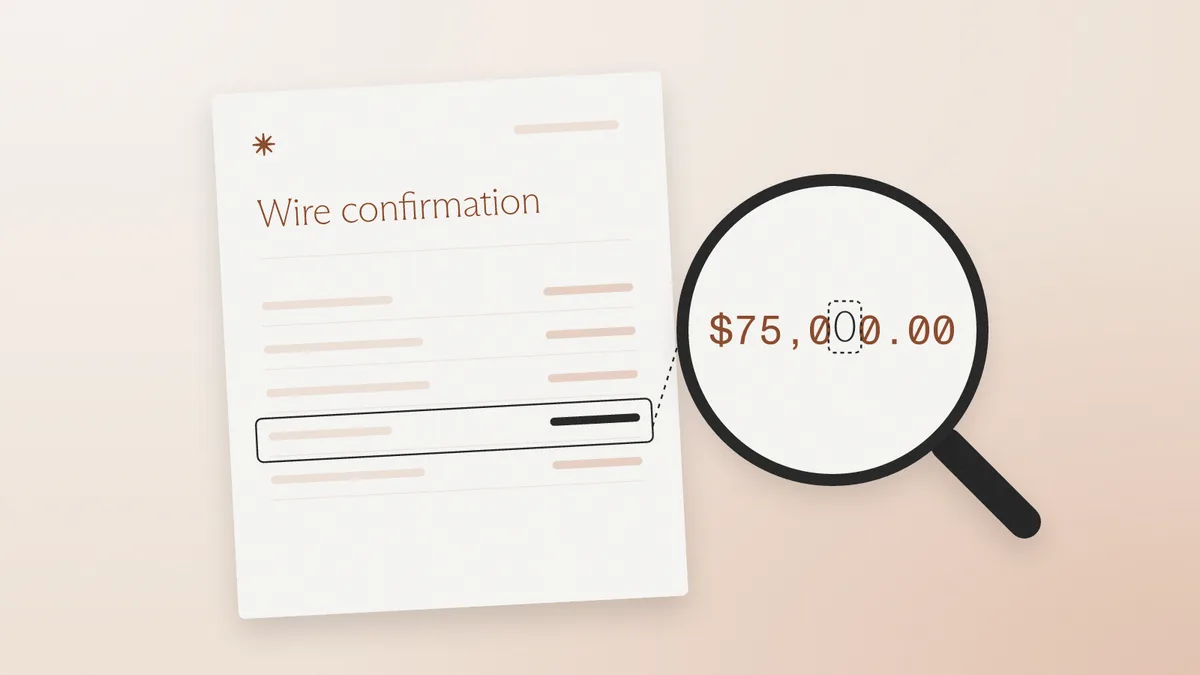
A wire confirmation is a claim that money moved. Edited and generated payment advice fail file checks. The posted credit is the proof.
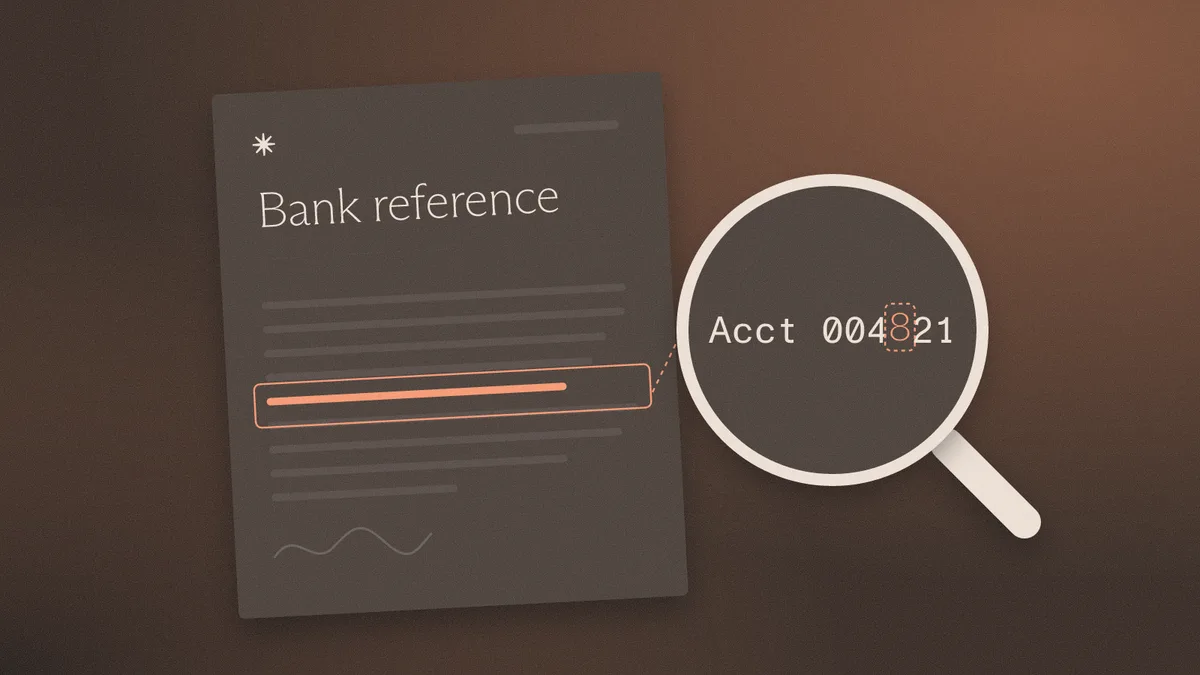
How to spot a fake bank reference letter: the relationship claim, the signatory, and the edit history. Letterhead is cheap to copy.
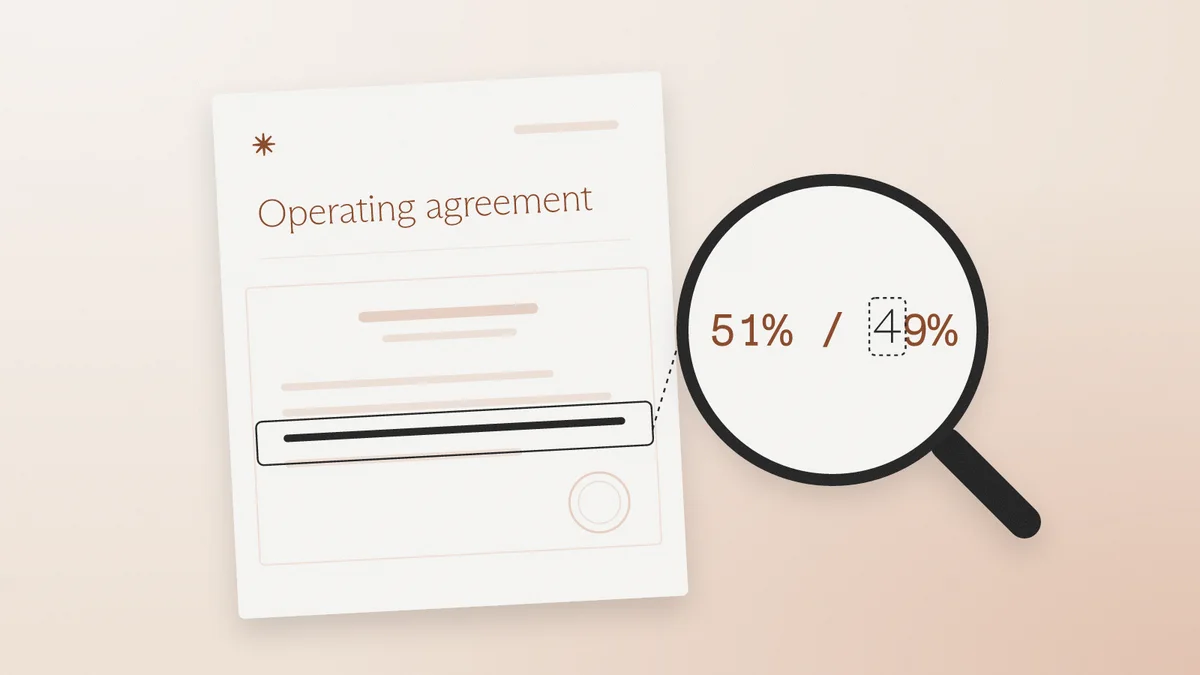
How to spot a fake operating agreement in KYB: edited member schedules, swapped signature pages, and ownership that does not match the file.
Spot a fake certificate of good standing by checking the as-of date, file number, and post-download edits.
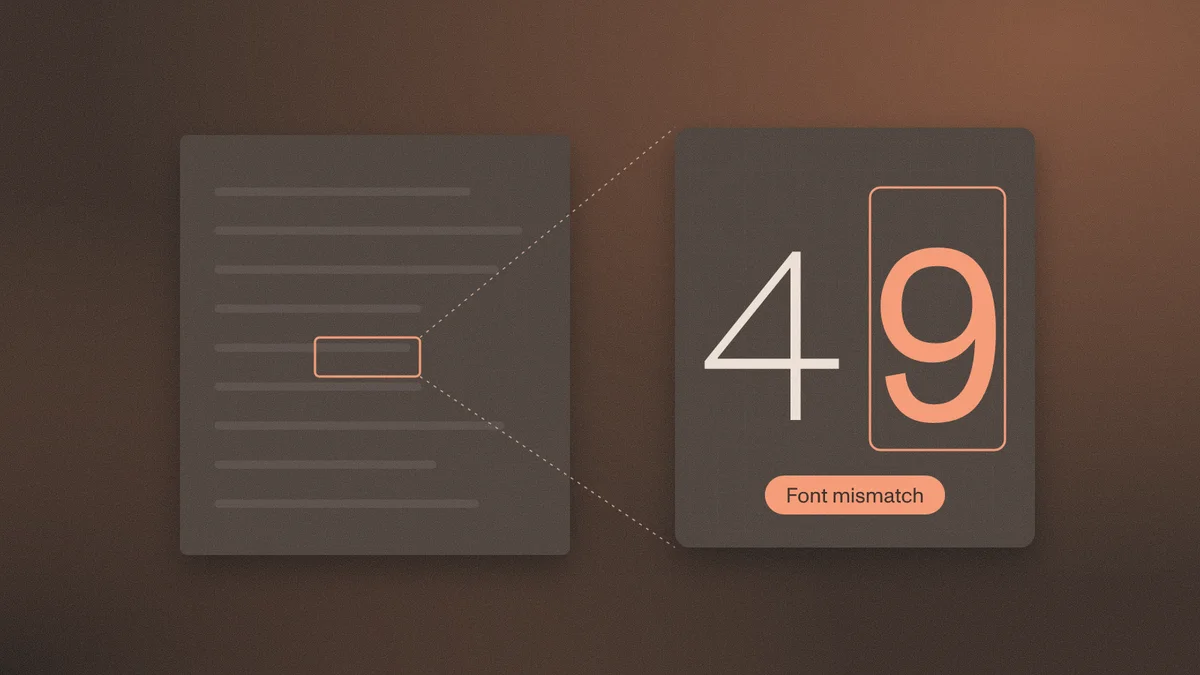
How to spot a fake voided check using file history, routing match, and account control. A VOID mark misses edited and generated files.
Verification reads the page and matches the applicant. Fraud detection reads the file. What each misses, how to evaluate each, and when you need both.

PDF metadata analysis for fraud detection: Info dictionary, XMP, timestamps, producer strings, incremental updates, and what each can and cannot prove.
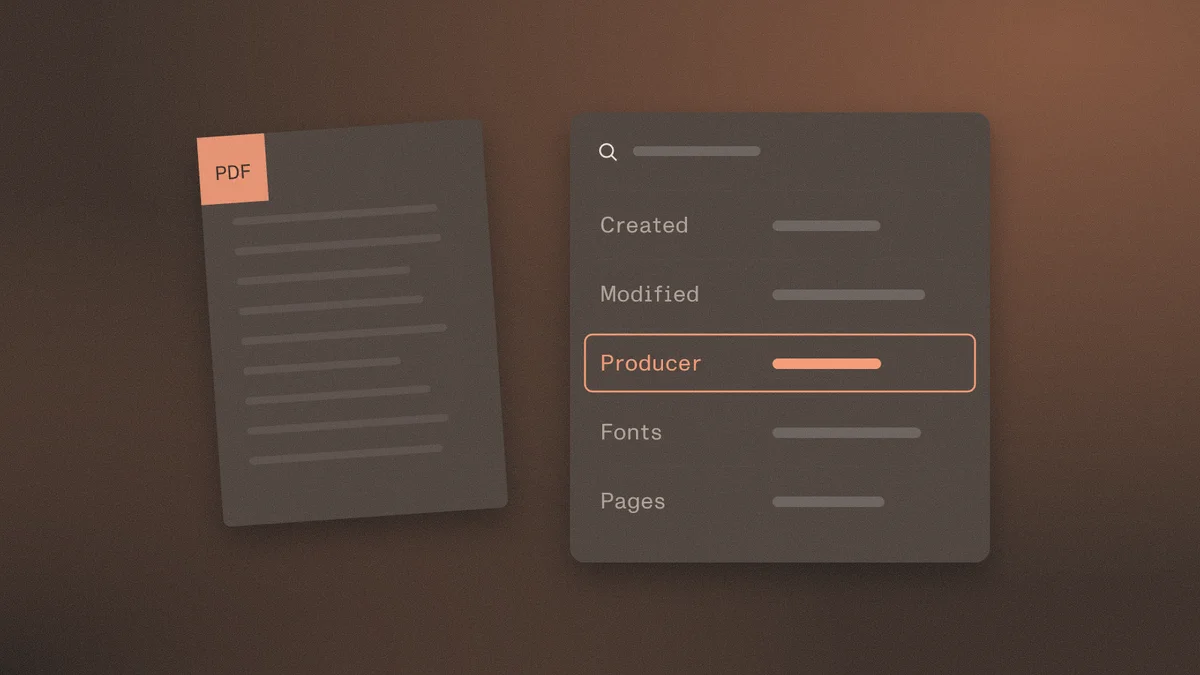
How to spot fake financial statements in SMB lending and KYB: inflated revenue, fake auditor letters, 4506-C and bank reconciliation, six file checks.
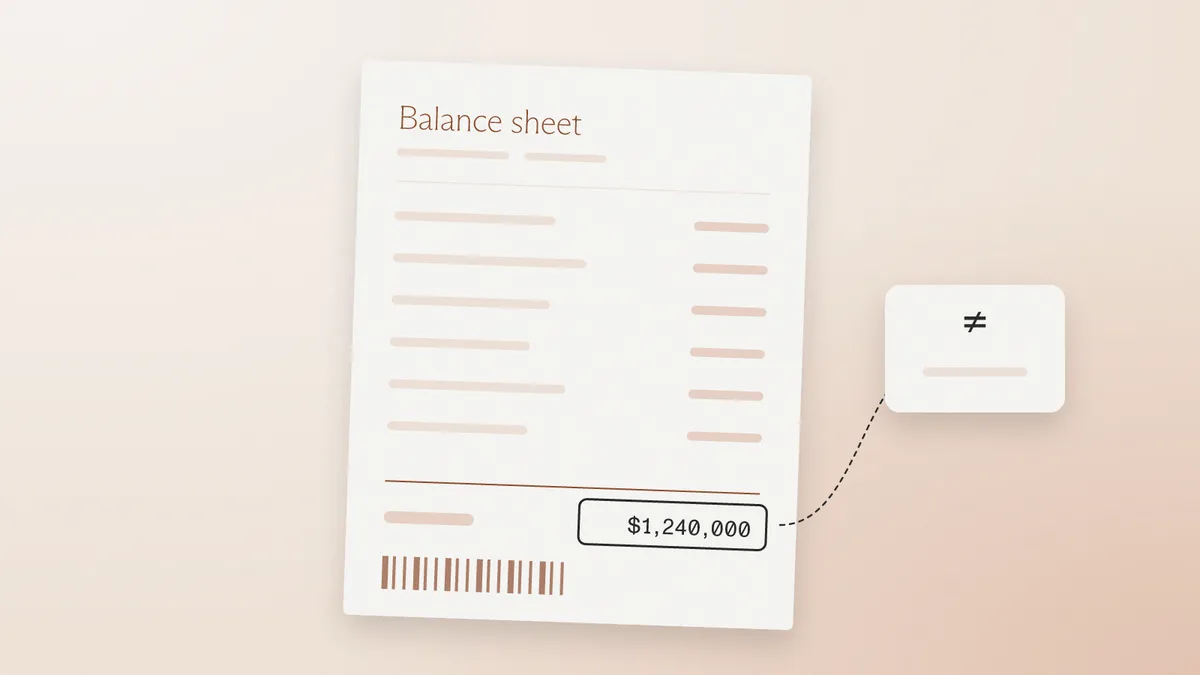
How to spot a fake certificate of insurance: why an ACORD 25 confers no rights, the tells that survive, carrier and NAIC lookups, and the six file checks.
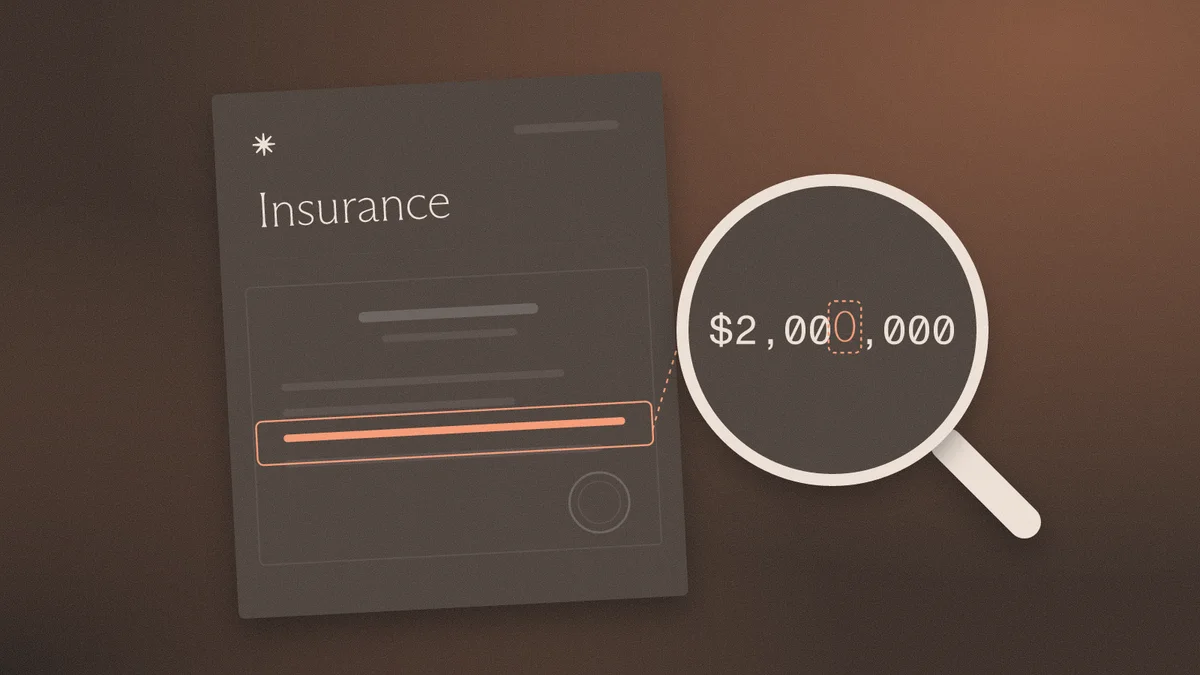
How to spot a fake lease agreement in KYC, mortgage, and KYB review: landlord, date, rent, and disclosure tells, plus the six file checks that settle it.

How to spot a fake proof of funds letter in lending, real estate, and escrow: the tells that work, the six file checks, and how to verify with the bank.
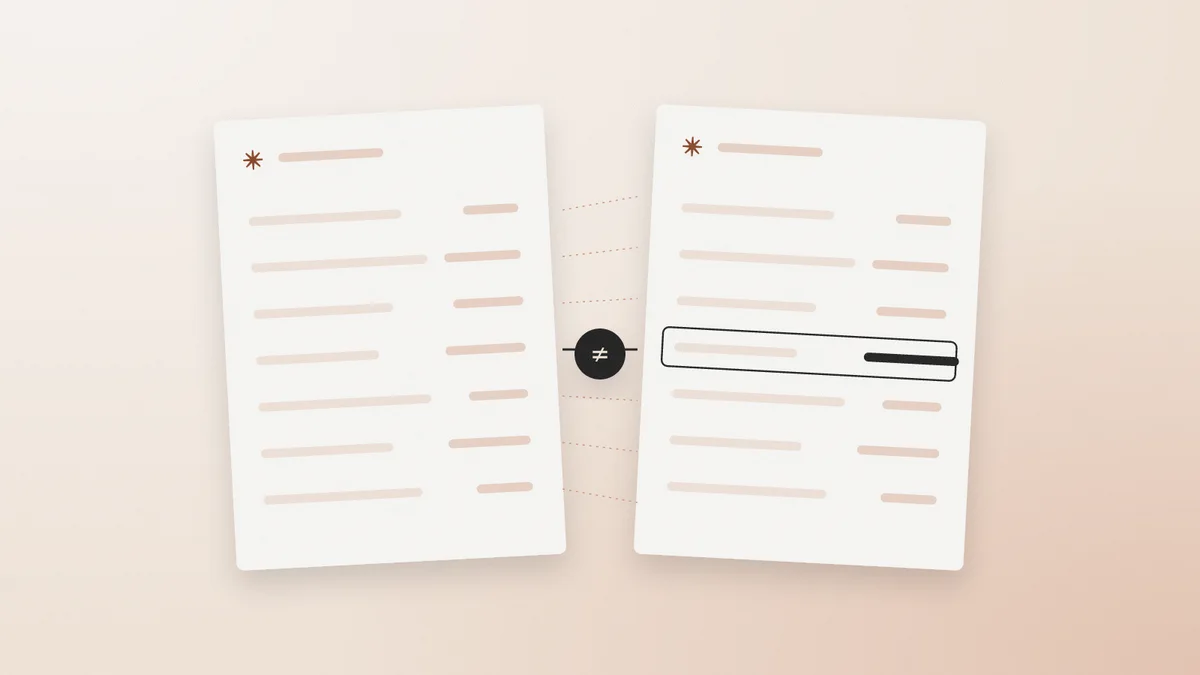
How to spot a fake EIN confirmation letter: what a real CP 575 or 147C contains, the tells that survive, IRS TIN Matching limits, and the six file checks.
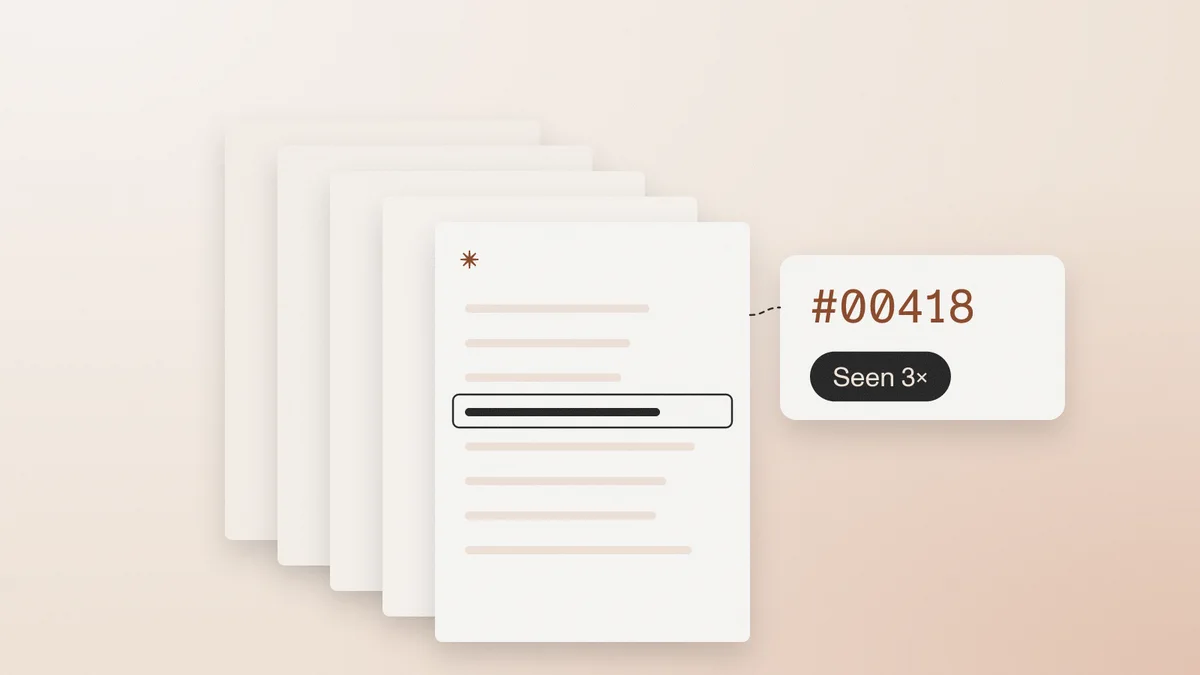
How lenders and onboarding teams spot fake 1040s, W-2s, and IRS transcripts: line-item tells, edited vs generated files, and the Form 4506-C break-test.
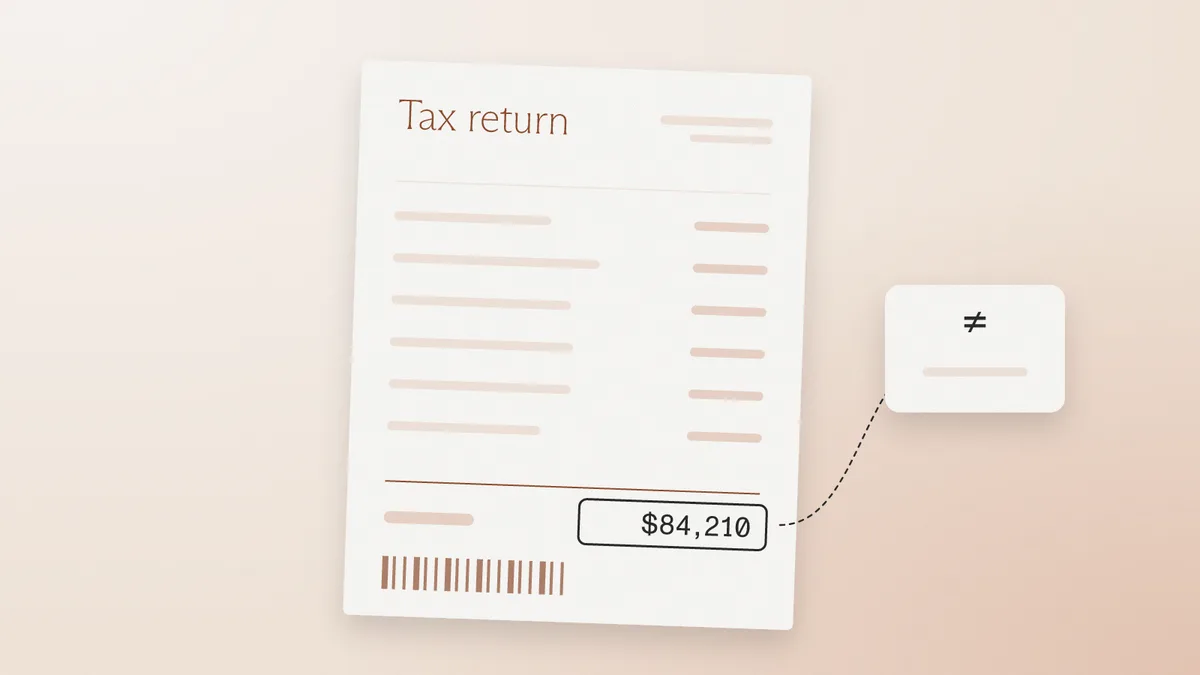
How to spot a fake invoice in factoring, trade finance, and AP: the tells that still work, the six file checks, and the debtor break-test that settles it.
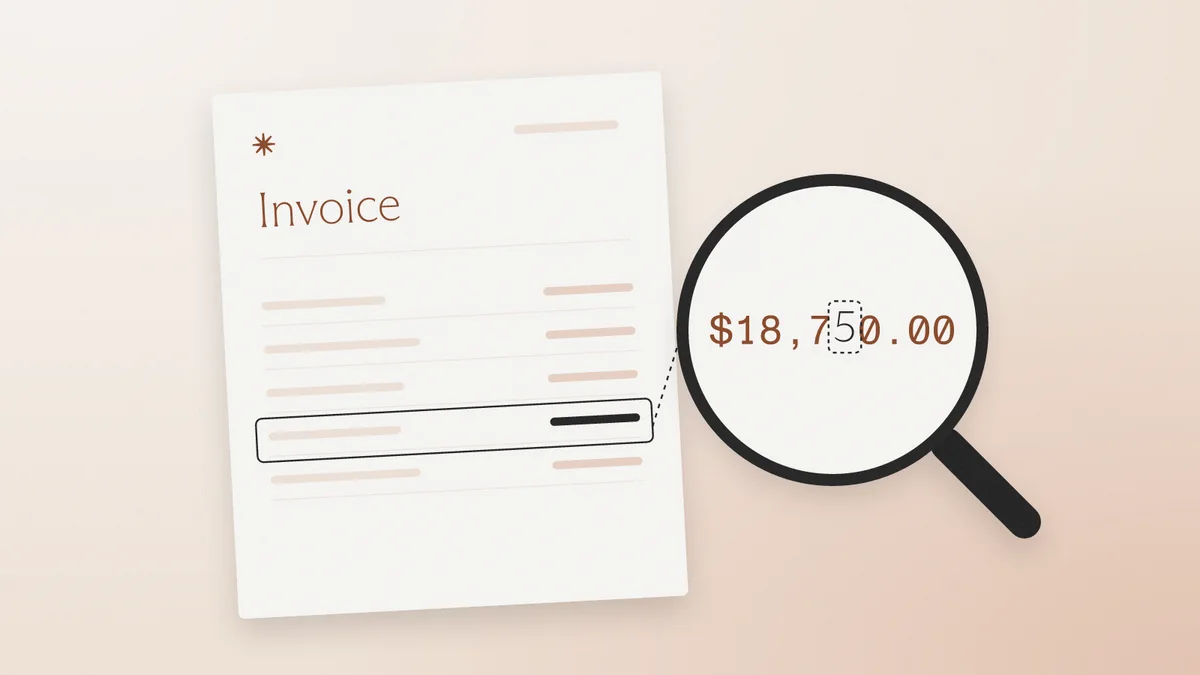
Should compliance teams accept screenshots of bank statements? What a flattened PDF loses, which fraud checks still work on images, and how to set policy.
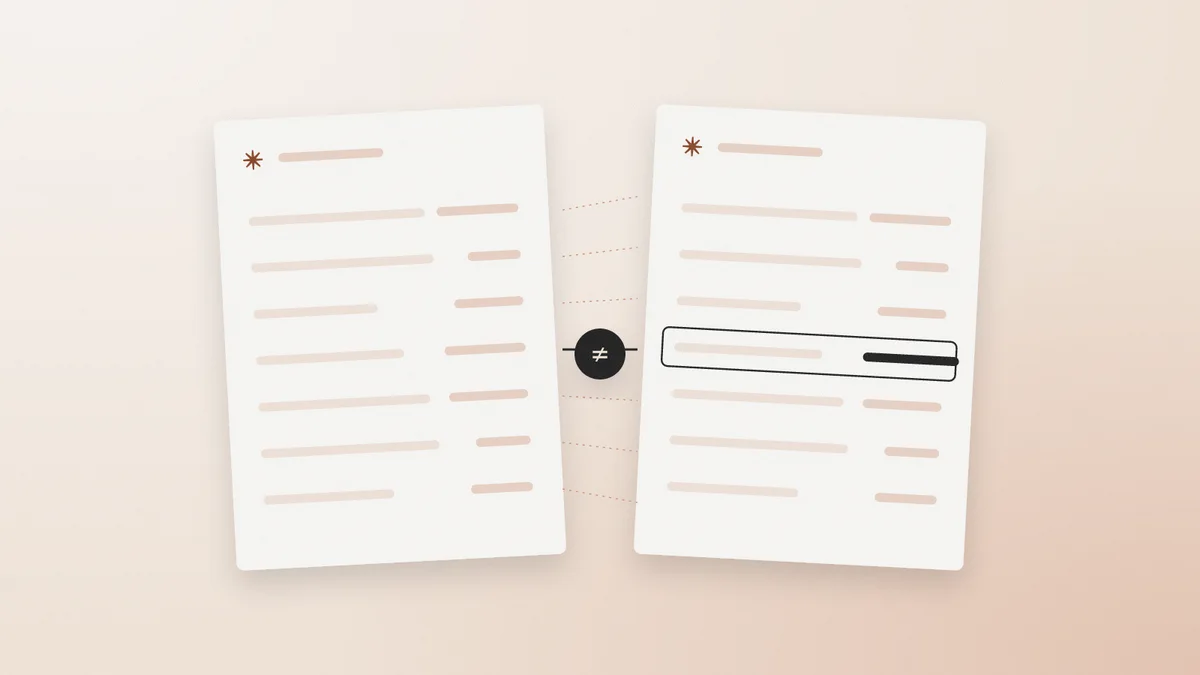
Explainable document forensics shows where a file was altered, what it said before, and how the examiner knows. Why a fraud score alone fails audit.
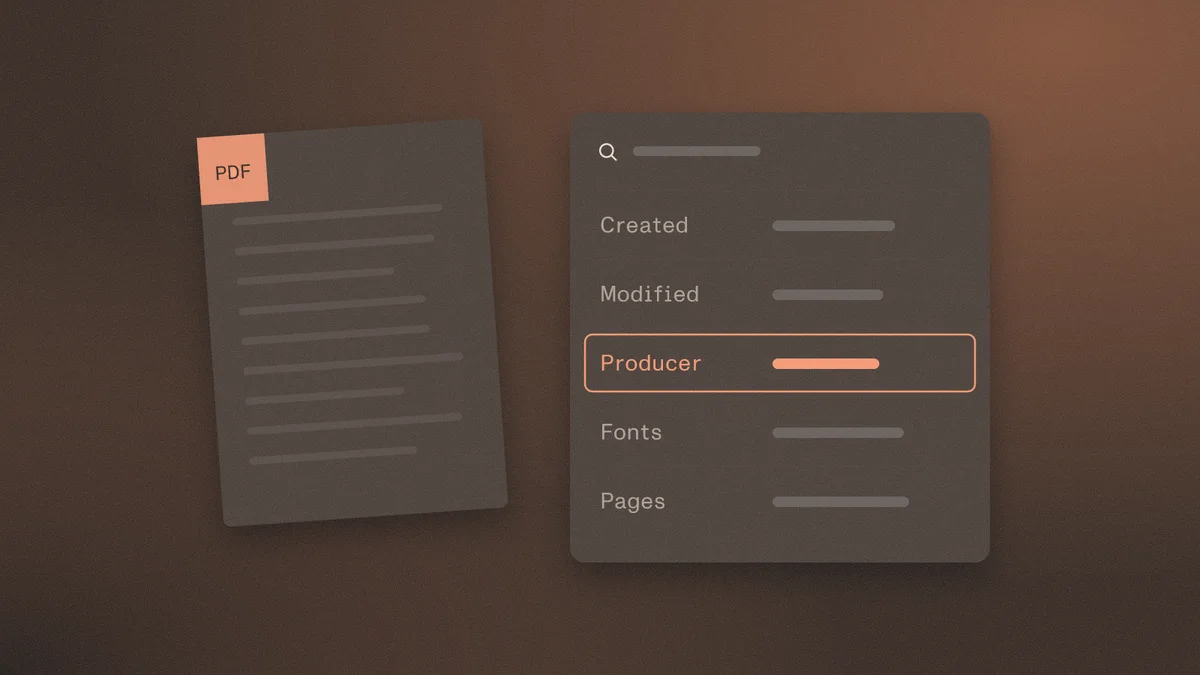
How KYC, KYB, rental, and lending teams spot fake utility bills used as proof of address: edited vs generated files, tells that work, six file checks.

How fake document templates and template farms work, why template-made files have no issuance history, and how to detect them in KYC and lending.
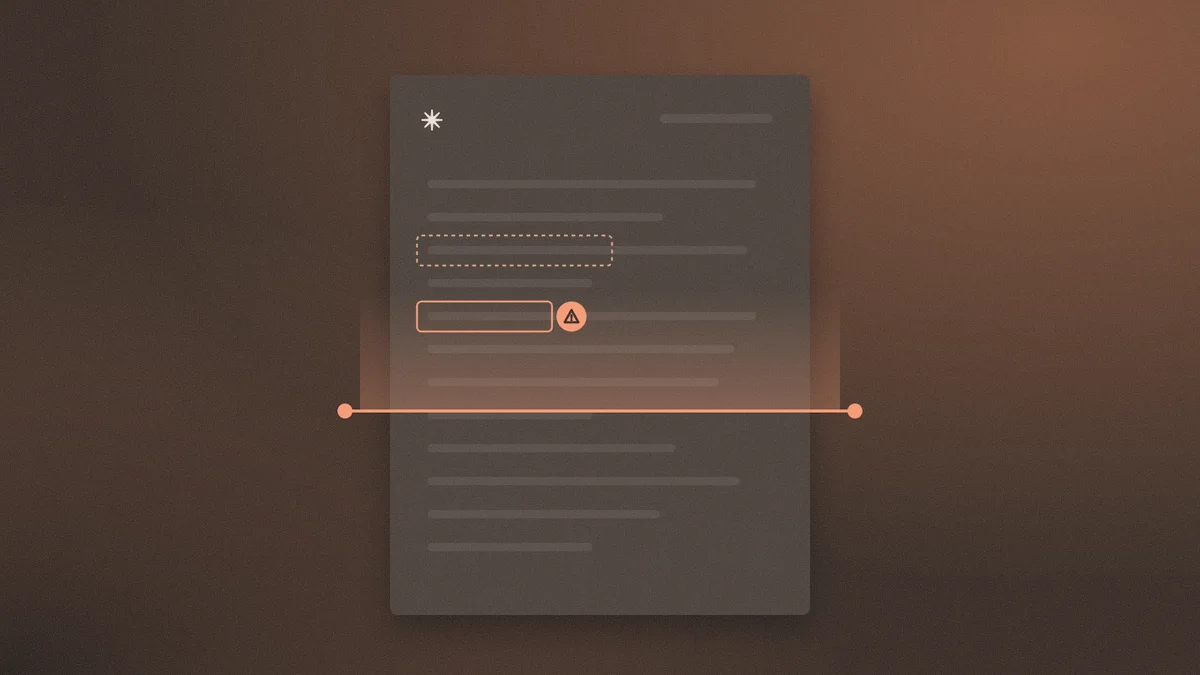
Serial document reuse detection catches one statement, stub, or ID recycled across unrelated applicants. Why single-file review misses it.
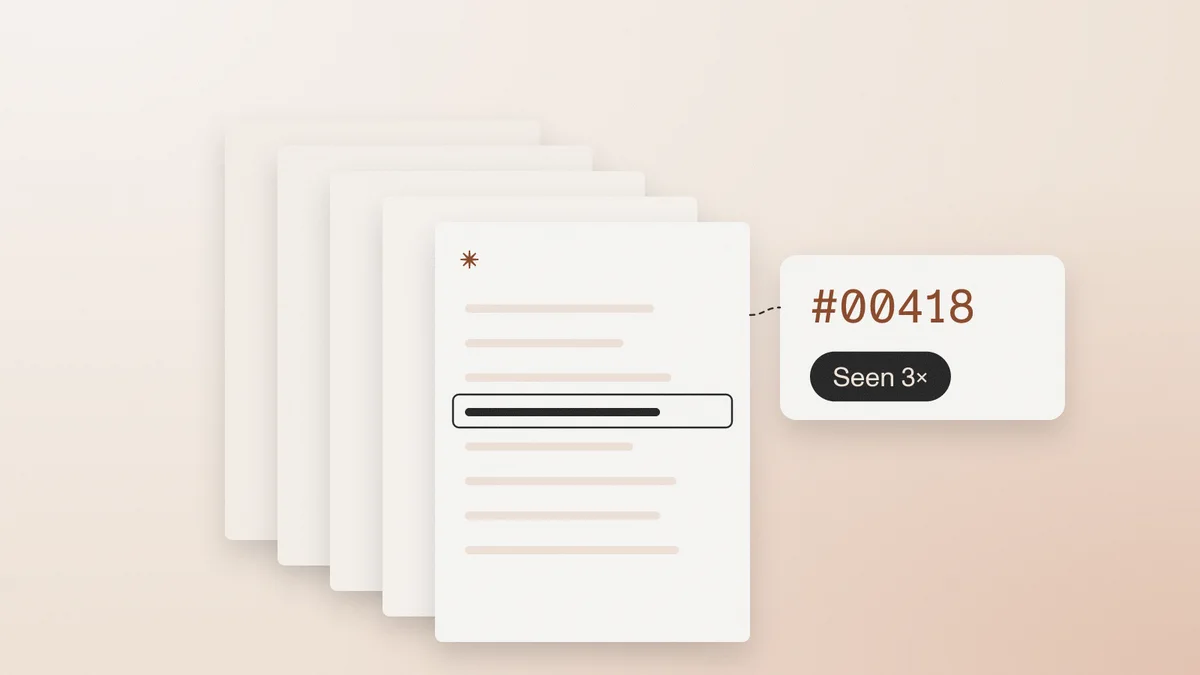
Loan document fraud detection tests bank statements, pay stubs, and tax docs as a package — the red flags underwriters miss on visual review.
KYB document fraud detection checks certificates, registry extracts, and proof of address as files. Visual review misses edited-after-creation PDFs.

Document fraud statistics from FinCEN, FBI IC3, and FTC — and what those figures miss about edited PDFs, counterfeit templates, and file-level detection.

How to spot a fake certificate of incorporation in KYB: registrar mismatch, edited seals, generated COIs, and serial reuse. Visual review is not enough.
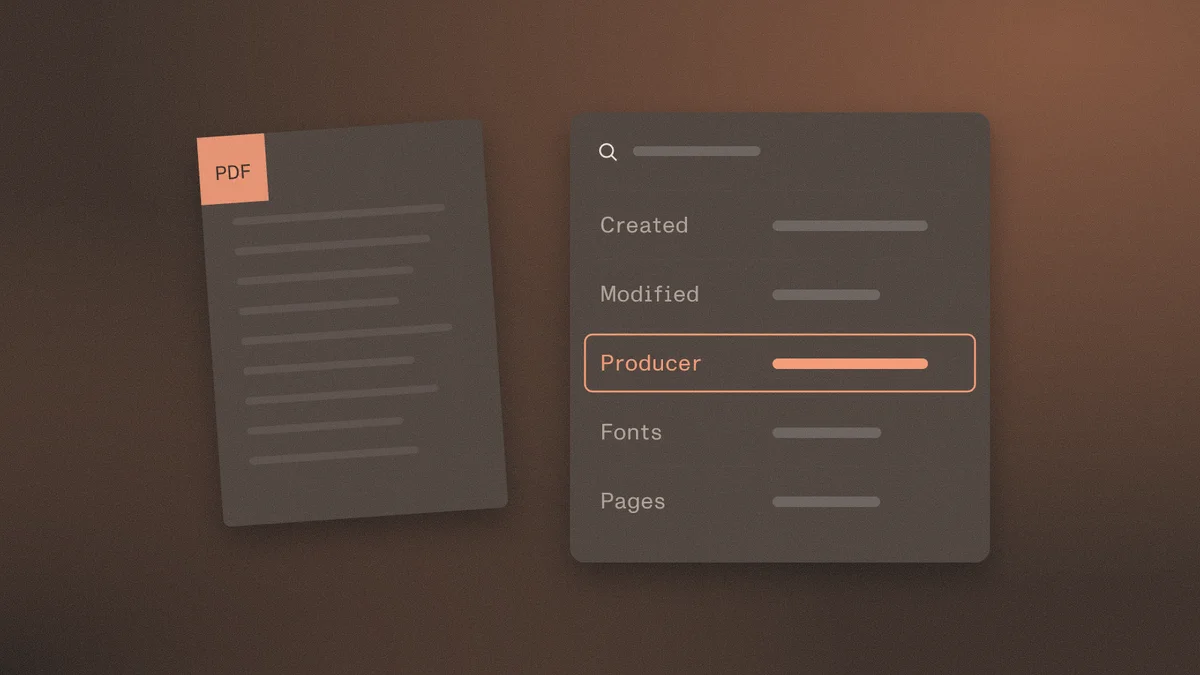
How to detect an AI-generated PDF using metadata, empty Producer strings, model artifacts, and the file history visual review misses.
How lenders and onboarding teams spot fake pay stubs: edited vs generated files, deposit cross-checks, and what visual review misses.

How to spot a fake bank statement: edited-after-creation vs generated-from-scratch, which visual tells still work, and how file history exposes forgeries.
Try another keyword or explore a different topic.