
Fake Documents: The Most-Forged File Types and How to Spot Each
Fake documents grouped by the fraud they enable: income, banking, corporate and tax. 20 file types, each one's strongest tell, and a full guide.

TL;DR: A fake document checker, or PDF document fraud detection tool, examines a file for signs that it was edited after creation, generated from scratch, or reused, and it should show the evidence behind its verdict. Cotality estimated that 1 in 119 mortgage applications carried indications of fraud in Q2 2026; at that rate, a detector that is right 95% of the time on both clean and fake files would raise about six false alarms for each fake it catches. A checker tests the file, so the issuer or another outside source still has to confirm the facts on the page.
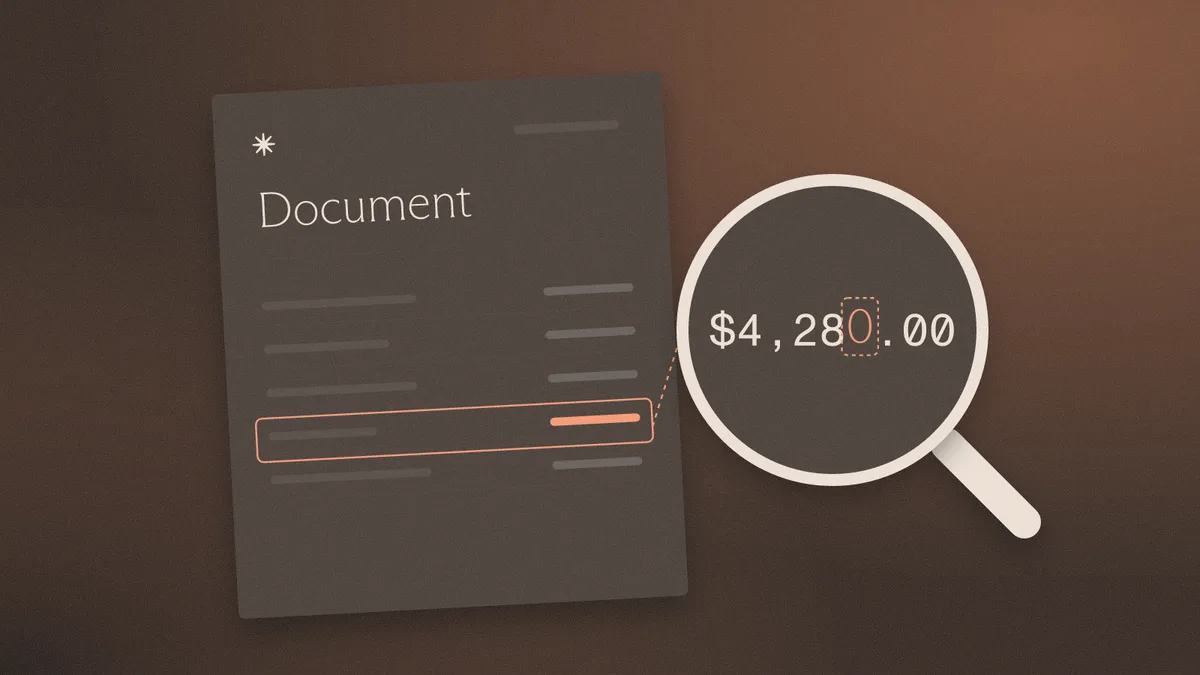
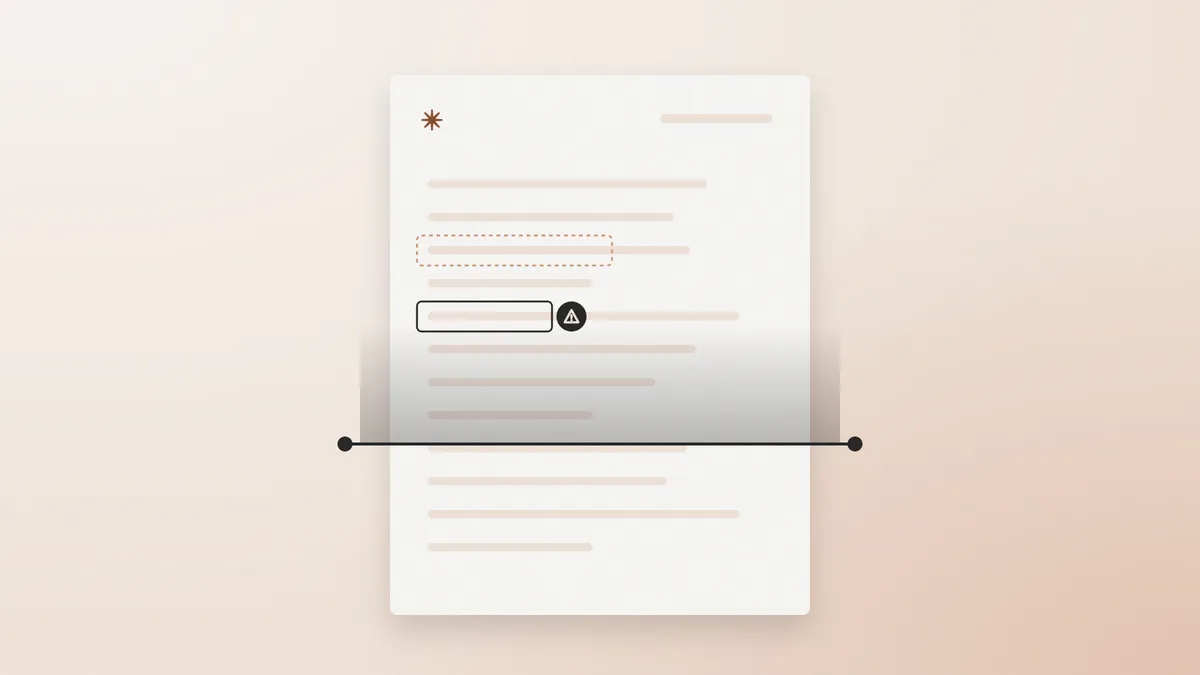
A fake document checker reads the file underneath the page: how it was produced, what happened to it afterward, and whether its structure fits the institution named on it. Good tools separate two production classes. Edited-after-creation starts as a genuine file, and someone later changes a balance, a name, or a date. Generated-from-scratch never existed at the issuer, so the file has no genuine original underneath it.
An edited file raises the question of which value moved. A generated file raises the question of whether the issuer ever produced anything for this customer. Document fraud detection usually comes down to six questions, each with a limit.
Input quality sets the ceiling. A fake document detection app that works from a phone photo receives pixels, so it loses the production history and signatures a native PDF carries. Screenshots and original PDFs support different checks, and a tool should say which ones it could run.
A usable verdict tells a reviewer what happened to the file, where, and how sure the tool can be. A bare "likely fraudulent" gives an analyst nothing to put in a case note. A result worth acting on contains:
Wording matters as much as content. Guidance from the Scientific Working Group on Digital Evidence, written for image examiners, makes a point that carries over to PDFs: a thorough examination can find manipulation unlikely, because a negative cannot be proven. "No anomalies found" is an accurate result. "Authentic" claims more than a file can support. Any tool's output can be measured against what explainable document forensics should give an examiner.
A score ranks files by how strongly a model reacted to them. A 90 is not automatically a 90% chance of fraud. The same SWGDE guidance says results should not be reported as a numerical probability without a proper scientific foundation, so a reviewer should ask whether the vendor has calibrated its scale and on which document types.
Base rates do the most damage to intuition. Cotality's 2026 fraud report puts indications of fraud at about 1 in 119 US mortgage applications for Q2 2026. That figure covers applications rather than individual files, so treat it as an illustration. Take 119 files containing one fake and a hypothetical detector that correctly handles 95% of fakes and 95% of clean files. The detector probably flags the one fake and about six clean files. Roughly 14% of its flags are real, even though its accuracy sounds excellent.
Three working rules follow. A high score sends a file to review; on its own it does not support a rejection. A low score means the tool found little, which is different from clearance on a material decision. Thresholds belong to the team, set against its own labeled files, because a score tuned on one portfolio can behave differently on another. Scores from two tools are not comparable.
File forensics answers how a document came to exist. It cannot establish that the event described on the page happened. A pay stub can be an unaltered export from a payroll system and still describe a job that a shell employer invented. An invoice can be untouched and bill for goods that never shipped. A genuine statement can belong to someone other than the applicant, which is why verification and fraud detection fail in different places.
Only an independent source can confirm the underlying fact: the bank for a balance, the employer or payroll provider for income, the carrier for a shipment, the provider for treatment. The reviewer should reach that source through contact details found separately, never through a number or link printed on the document.
A checker can show that a file changed, but intent is hard to read from bytes, and a clerk correcting a typo and a fraudster changing a balance can leave similar traces. A clean result can also be wrong, because SWGDE acknowledges that some image manipulations may not be detectable with available tools. The remaining uncertainty belongs in the record.
A suspect bank statement or pay stub holds someone else's account numbers, address, and income, so the upload is a data-sharing decision in its own right. Free tools and browser apps deserve the same scrutiny as paid ones. Before any customer file goes in, a team should get written answers to these questions:
The last question has regulatory weight. FTC staff warned in February 2024 that quietly rewriting terms to permit AI training may be unfair or deceptive. Institutions covered by the FTC Safeguards Rule must also oversee service providers by selecting capable ones, requiring safeguards by contract, and periodically assessing them. Compliance should confirm which safeguarding rules apply to the institution.
Redacting first is a poor workaround. Any edit changes the file, so the checker ends up examining the redaction, and text that looks removed can remain recoverable inside a PDF. Where the answers are missing, restrict testing to non-sensitive samples.
A request for a fresh export sent directly from the issuer's portal is a fair next step when a finding remains unexplained. A genuine customer can usually produce one.
Watchdoc runs six checks on a file: production method, timestamp trail, issuer matching, consistency, model artifacts, and recycled patterns. Sphinx prepares the evidence and a traceable recommendation, and the team keeps final approval. That approval matters: Sphinx's published 94.3% correct verdict still leaves 5.7% of verdicts wrong. Clean files clear in under 28 seconds, and pricing is $0.45 per document with no seats or platform fee. Watchdoc examines the file. It does not verify a person's face or connect to bank accounts, so independent confirmation stays with the team. The free playground covers 50 documents with no card required, and the upload questions above apply to it as they would to any other tool.
A checker can show that a file was altered after creation or could not have come from the claimed issuer, which is strong evidence. It cannot read intent, and it cannot prove that a clean-looking file is genuine. Treat the result as evidence to confirm with the issuer.
Accuracy depends on document type, file quality, and how common fraud is in the population tested. A team should test a tool on its own known-genuine and known-altered files. Even a high accuracy rate can produce more false alarms than true finds when fraud is rare.
Safety depends on the tool's retention period, training terms, access controls, and contract. A team should get written answers on each point before uploading customer data, and use non-sensitive samples until it has them.
Partly. A photo or screenshot removes the file's production history, fonts, and digital signatures, so checks that depend on those signals cannot run. Reuse detection and some image-based checks can still work, and the result should state which checks were unavailable.
The team should treat the result as one input. For a material decision, it should still confirm key facts with the issuer or another independent source, because an unaltered file can still describe something untrue.
Fake documents grouped by the fraud they enable: income, banking, corporate and tax. 20 file types, each one's strongest tell, and a full guide.
Eight AI-generated document detection tools compared by fit, what each reads, and its limits, plus why no detector catches every forged file.

Bank statement fraud detection software compared for lenders and KYB teams: file forensics, statement analysis, and when a bank connection wins.
Eight document verification tools for banks, lenders and fintechs, sorted by job: identity documents, income files, and whether a file was altered.
Resistant AI alternatives for document forensics and transaction monitoring, ordered by fit, with what each does and where it stops.
Six Inscribe alternatives, sorted by what a buyer needs: work after the flag, document mix, data terms, pricing and how edits get caught.
Eight document fraud detection tools compared by what they test, how they explain a verdict and how they price.
How to spot a fake letter of credit or SBLC: why a standalone PDF is a red flag, tells that still work, and six checks on the file.
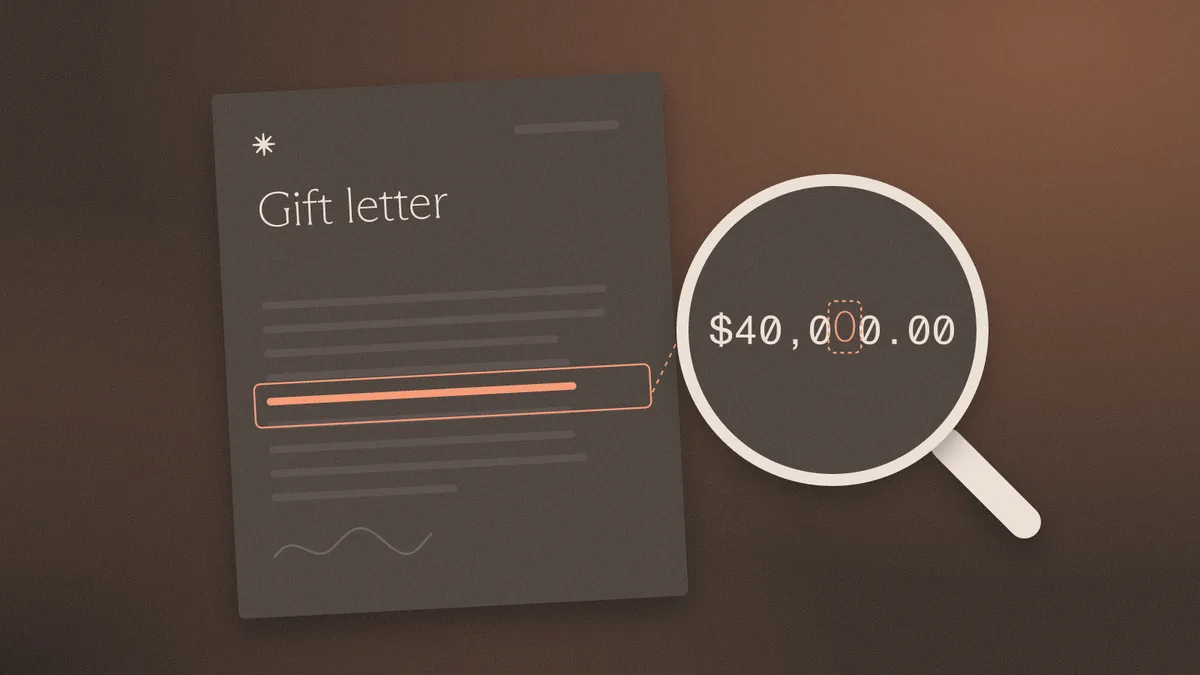
How to spot a fake gift letter: disguised loans, interested-party money, and how to verify the donor's transfer against Fannie Mae and FHA rules.
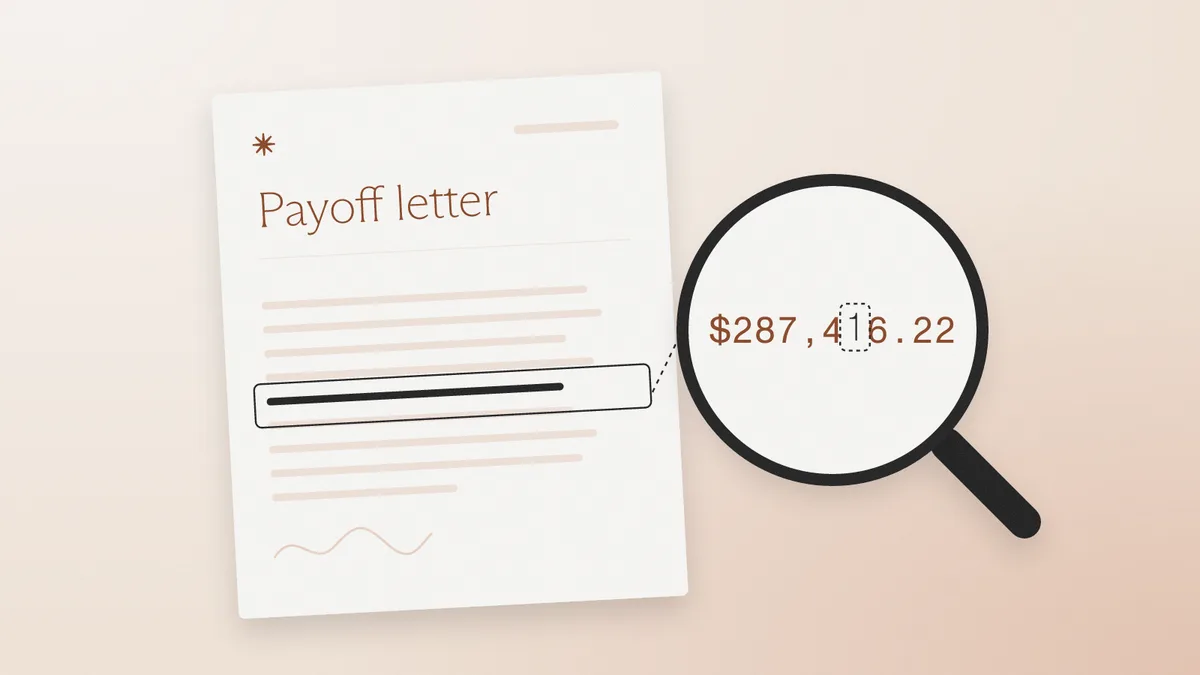
How to spot a fake payoff letter: altered wiring instructions, the tells that fail, and six checks on the file before the payoff wire goes out.
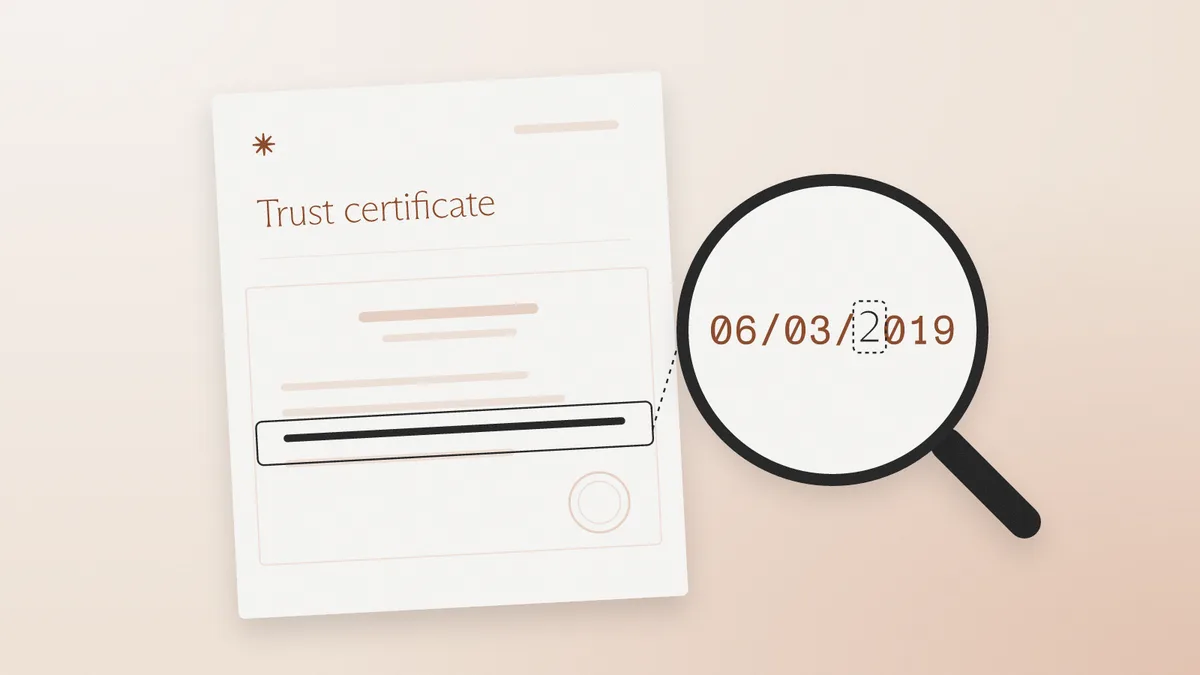
How to spot a fake certificate of trust: edited trustee names and powers, notary checks, beneficial ownership, and six checks on the file.
How to spot a fake shareholder register: edited percentages under the 25% UBO line, cap tables vs. registers, and the checks that catch them.
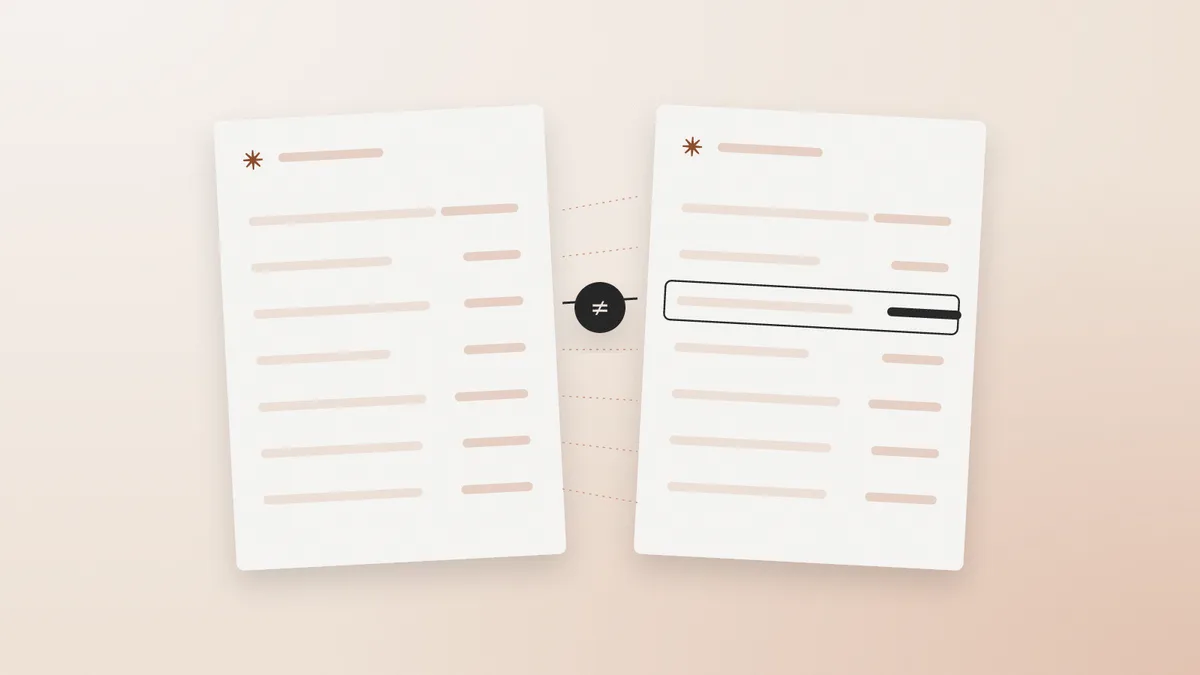
How to spot a fake crypto exchange statement: edited PDFs, CSV exports, on-chain withdrawal checks, and six checks on the file.
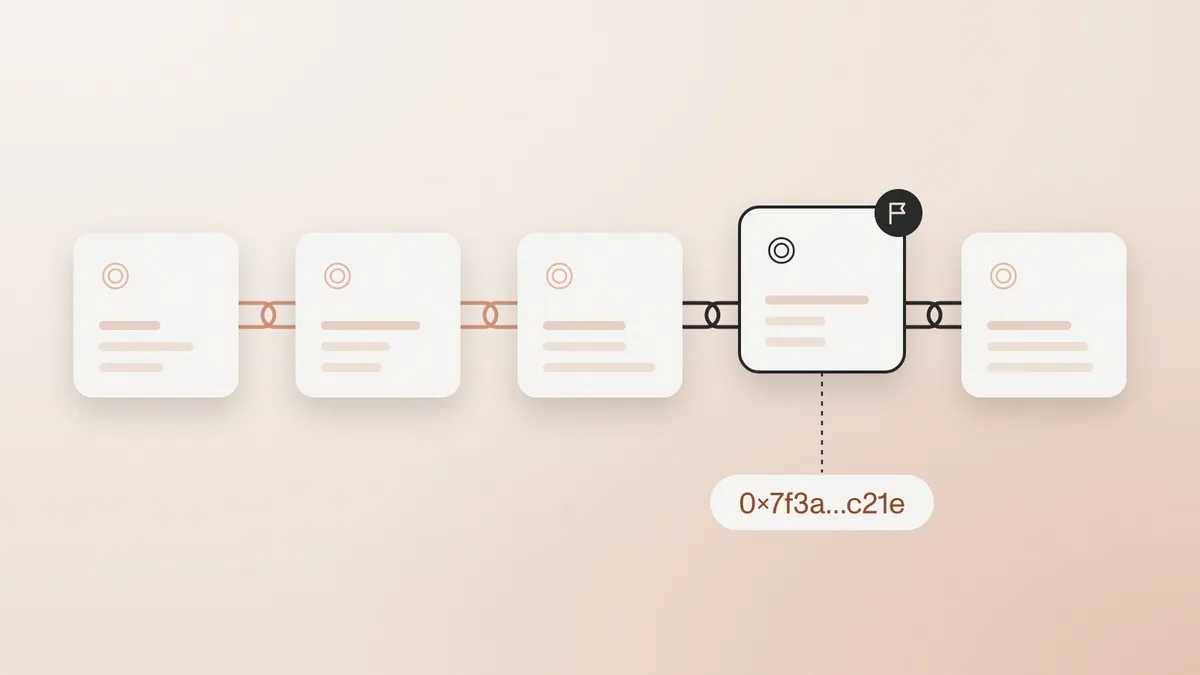
How to spot a fake credit card statement used for proof of address, debt verification, or source of funds: edited balances, broken math, file checks.
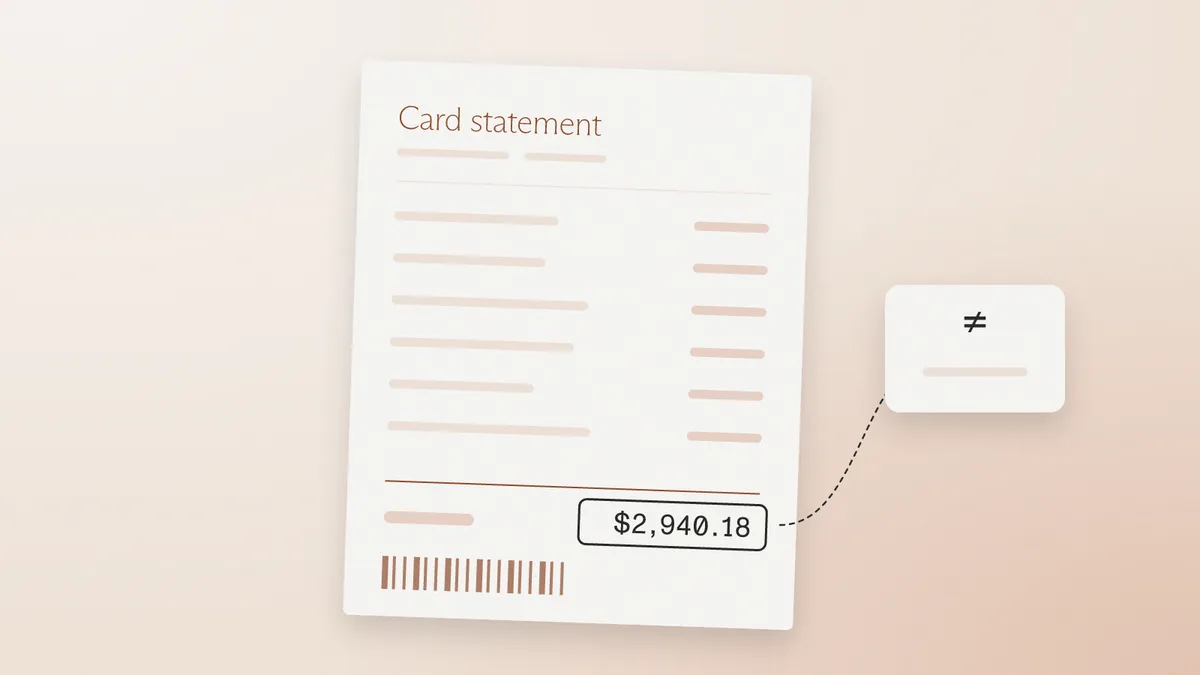
Spot a fake W-8BEN by reading foreign status, the treaty claim, and the file. The IRS publishes a blank and does not certify the form.

How to spot a fake partnership agreement: edited partner lists, signature blocks never executed together, and no state filing for a general partnership.

How to spot fake corporate bylaws: rules that contradict the articles, adoption before incorporation, and a template reused across companies.
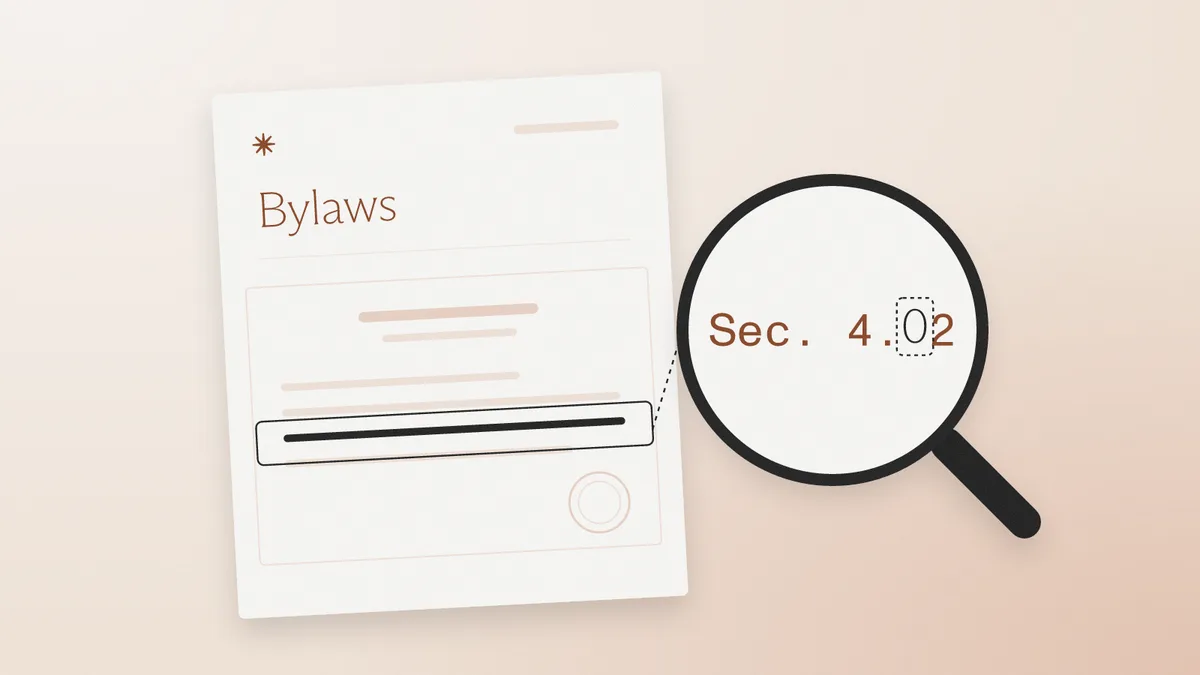
How to spot a fake stock certificate offered as KYB ownership evidence, when the ledger matters more than the vignette.
A Schedule K-1 reports a partner's share of income. Capital-account math, form year, and an IRS transcript catch edited and generated fakes.
A fake 1099 is an information return edited after creation or generated from scratch. Match it to the IRS wage and income transcript.
How to spot a fake employment verification letter: edited versus generated files, the tells that fail, and six checks on the file.
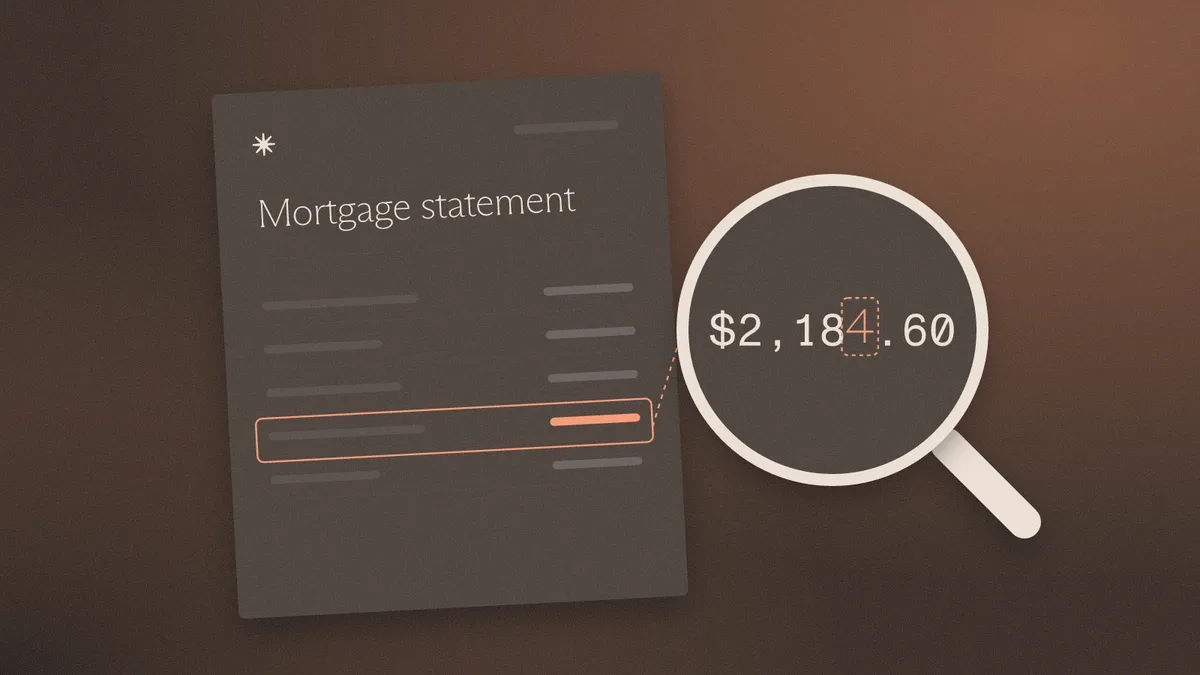
Spot a fake mortgage statement by confirming principal, amount due, due date, and rate with the current servicer.
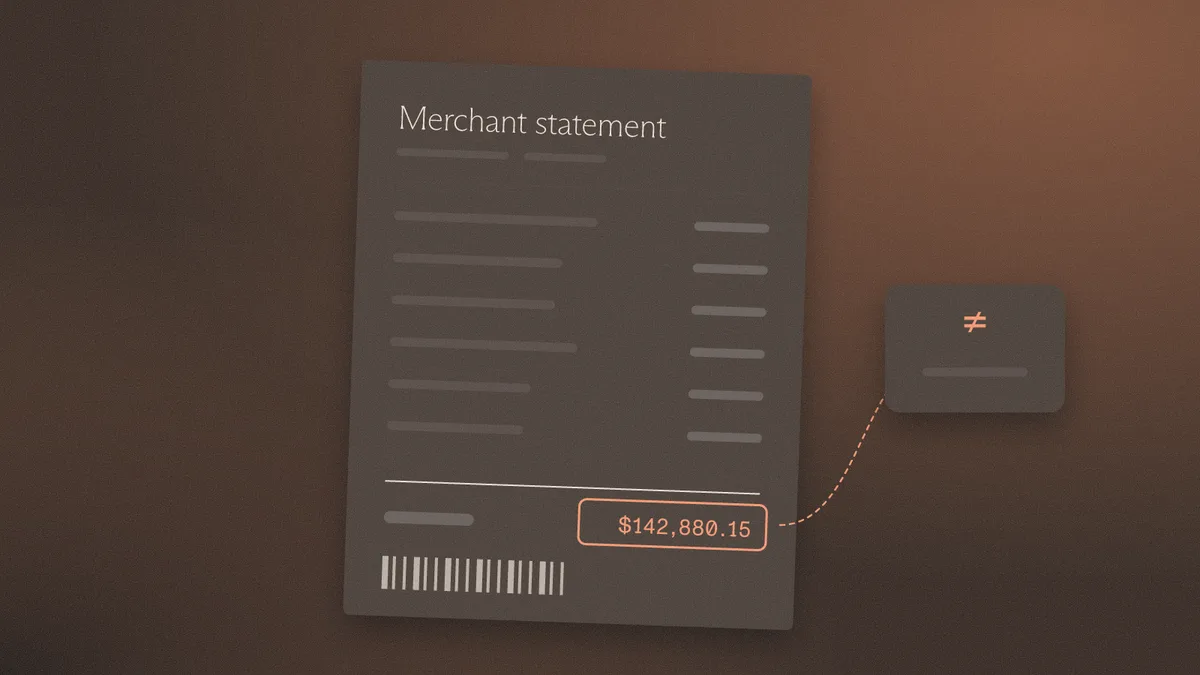
Spot a fake W-9 by matching the line 1 name and TIN. The IRS publishes a blank form and does not seal a completed one.
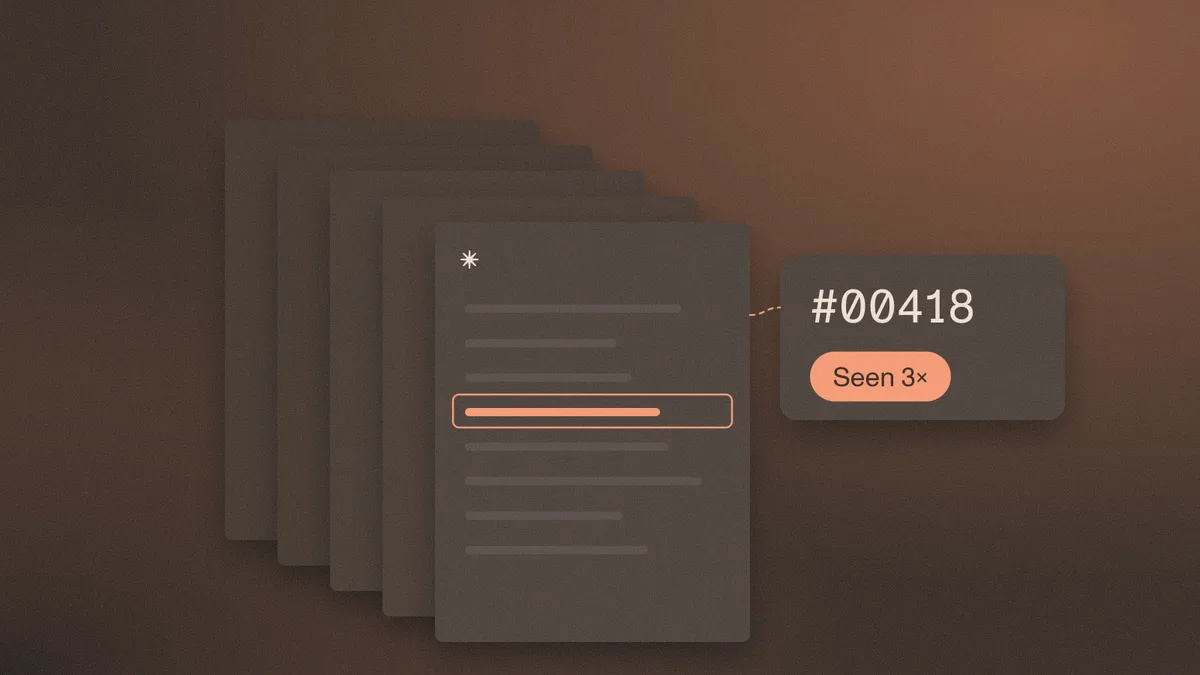
Spot a fake merchant statement by rebuilding amount processed from the fee lines and confirming the merchant ID with the processor.
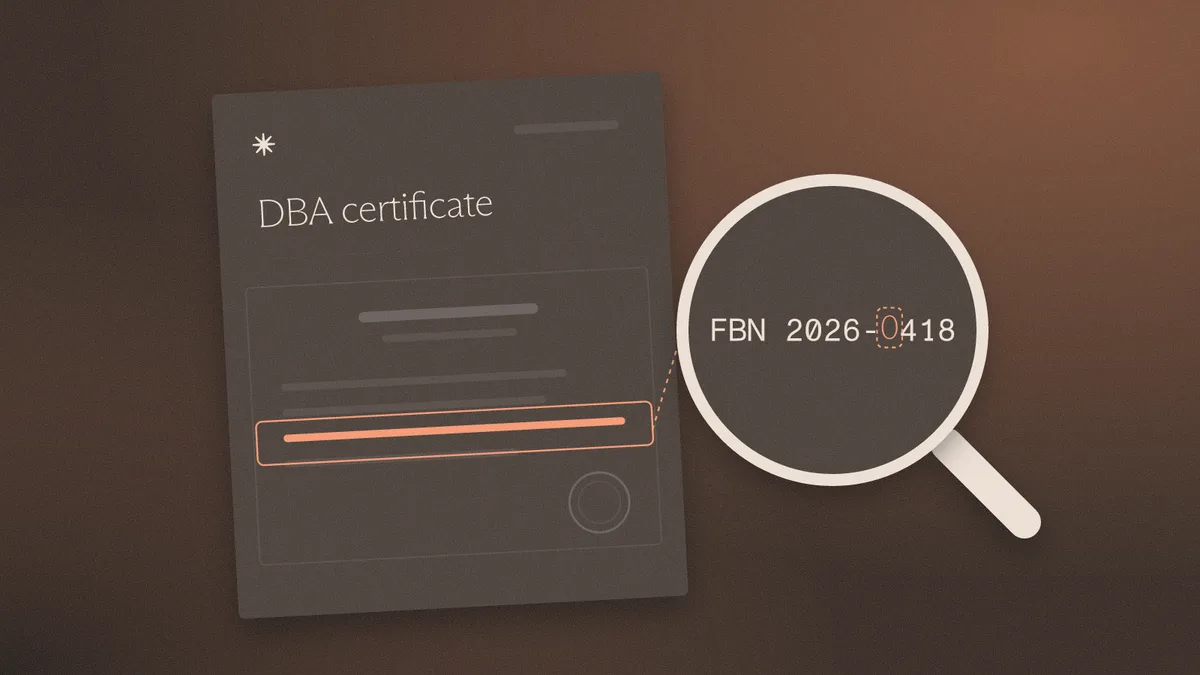
Spot a fake DBA certificate in the county index: file number, registrant, and expiration. A filing is not good standing.
Spot a fake board resolution by checking that the certifier is not the empowered signer and that the resolution date comes first.
Spot a fake certificate of incumbency by checking the certifier and the state's officer list. A seal does not prove the offices.
How to spot a fake brokerage statement used as proof of assets, and why file history beats a clean layout.
How to spot fake articles of organization by matching the file number and filing receipt to the state record before the account opens.
A wire confirmation is a claim that money moved. Edited and generated payment advice fail file checks. The posted credit is the proof.
How to spot a fake bank reference letter: the relationship claim, the signatory, and the edit history. Letterhead is cheap to copy.
How to spot a fake operating agreement in KYB: edited member schedules, swapped signature pages, and ownership that does not match the file.
Spot a fake certificate of good standing by checking the as-of date, file number, and post-download edits.
How to spot a fake voided check using file history, routing match, and account control. A VOID mark misses edited and generated files.
Verification reads the page and matches the applicant. Fraud detection reads the file. What each misses, how to evaluate each, and when you need both.
PDF metadata analysis for fraud detection: Info dictionary, XMP, timestamps, producer strings, incremental updates, and what each can and cannot prove.
How to spot fake financial statements in SMB lending and KYB: inflated revenue, fake auditor letters, 4506-C and bank reconciliation, six file checks.
How to spot a fake certificate of insurance: why an ACORD 25 confers no rights, the tells that survive, carrier and NAIC lookups, and the six file checks.
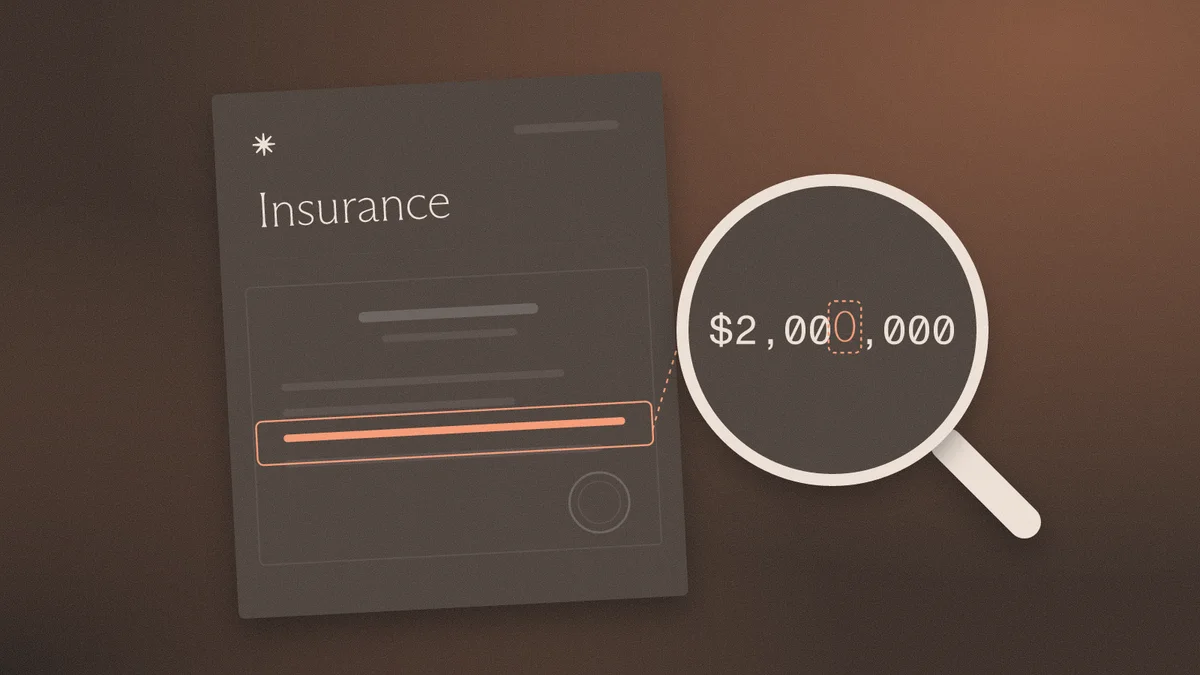
How to spot a fake lease agreement in KYC, mortgage, and KYB review: landlord, date, rent, and disclosure tells, plus the six file checks that settle it.

How to spot a fake proof of funds letter in lending, real estate, and escrow: the tells that work, the six file checks, and how to verify with the bank.
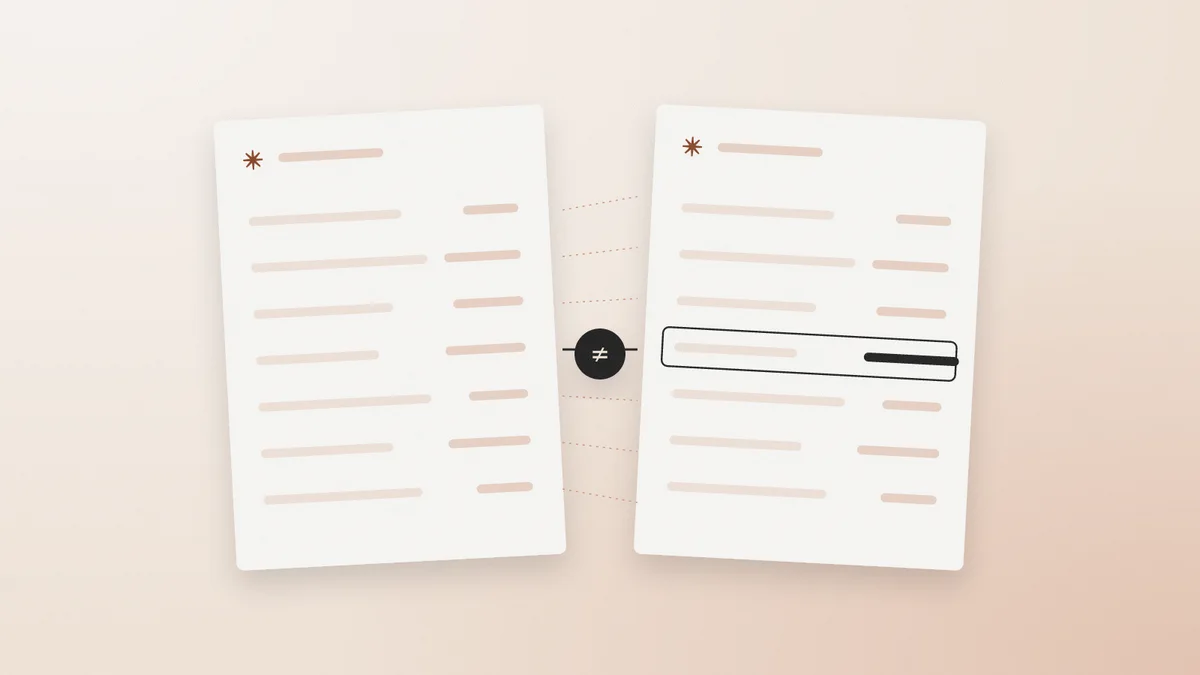
How to spot a fake EIN confirmation letter: what a real CP 575 or 147C contains, the tells that survive, IRS TIN Matching limits, and the six file checks.
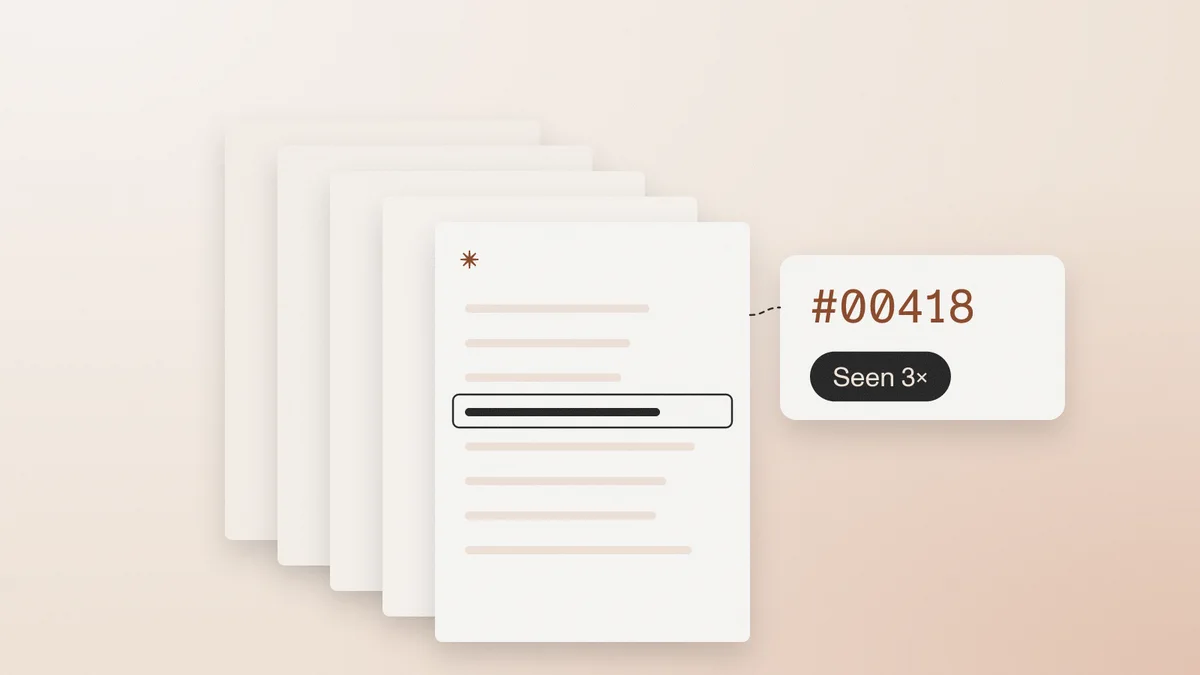
How lenders and onboarding teams spot fake 1040s, W-2s, and IRS transcripts: line-item tells, edited vs generated files, and the Form 4506-C break-test.
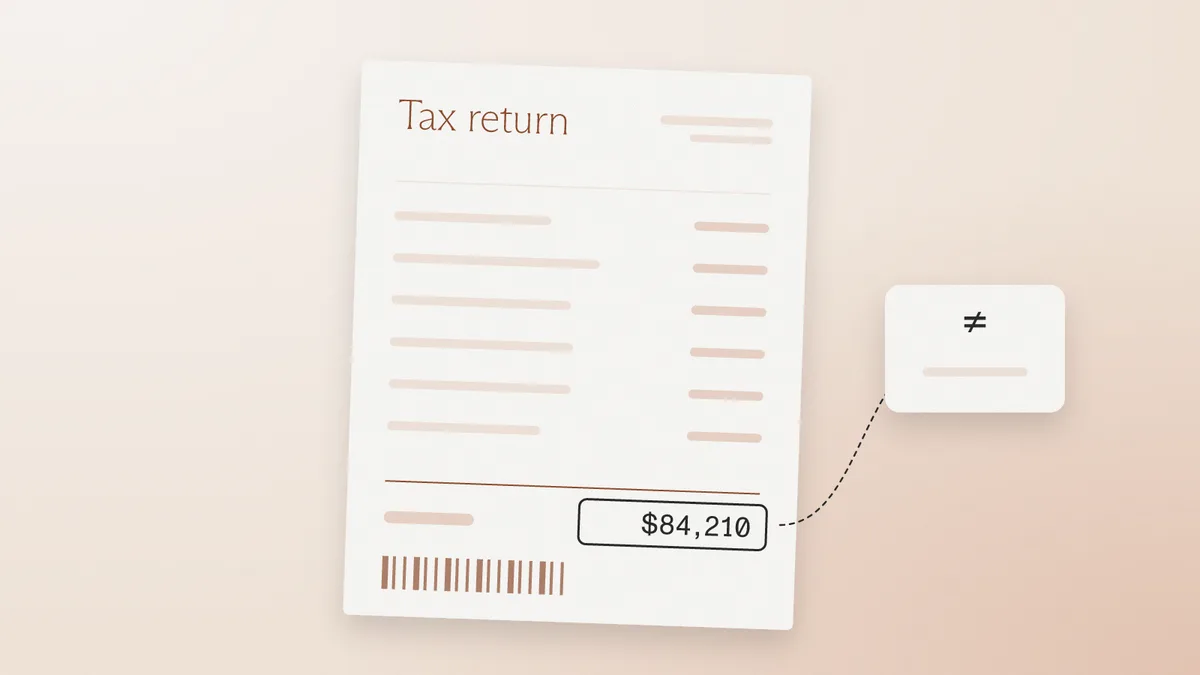
How to spot a fake invoice in factoring, trade finance, and AP: the tells that still work, the six file checks, and the debtor break-test that settles it.
Should compliance teams accept screenshots of bank statements? What a flattened PDF loses, which fraud checks still work on images, and how to set policy.
Explainable document forensics shows where a file was altered, what it said before, and how the examiner knows. Why a fraud score alone fails audit.
How KYC, KYB, rental, and lending teams spot fake utility bills used as proof of address: edited vs generated files, tells that work, six file checks.

How fake document templates and template farms work, why template-made files have no issuance history, and how to detect them in KYC and lending.
Serial document reuse detection catches one statement, stub, or ID recycled across unrelated applicants. Why single-file review misses it.
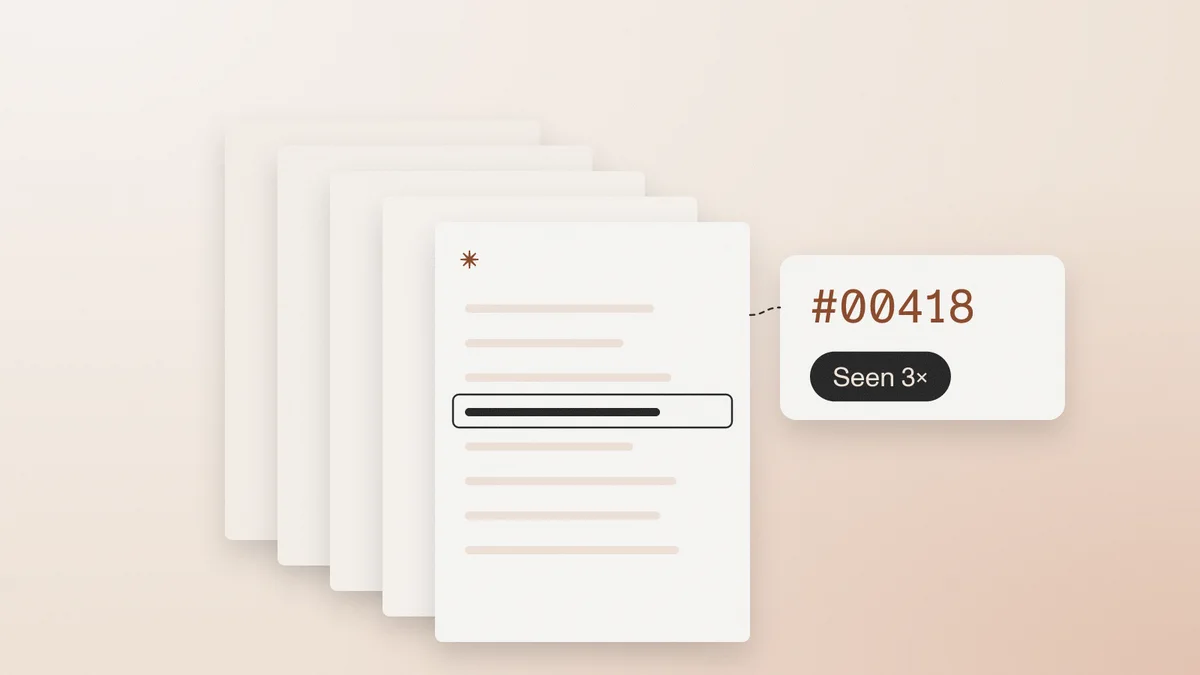
Loan document fraud detection tests bank statements, pay stubs, and tax docs as a package — the red flags underwriters miss on visual review.
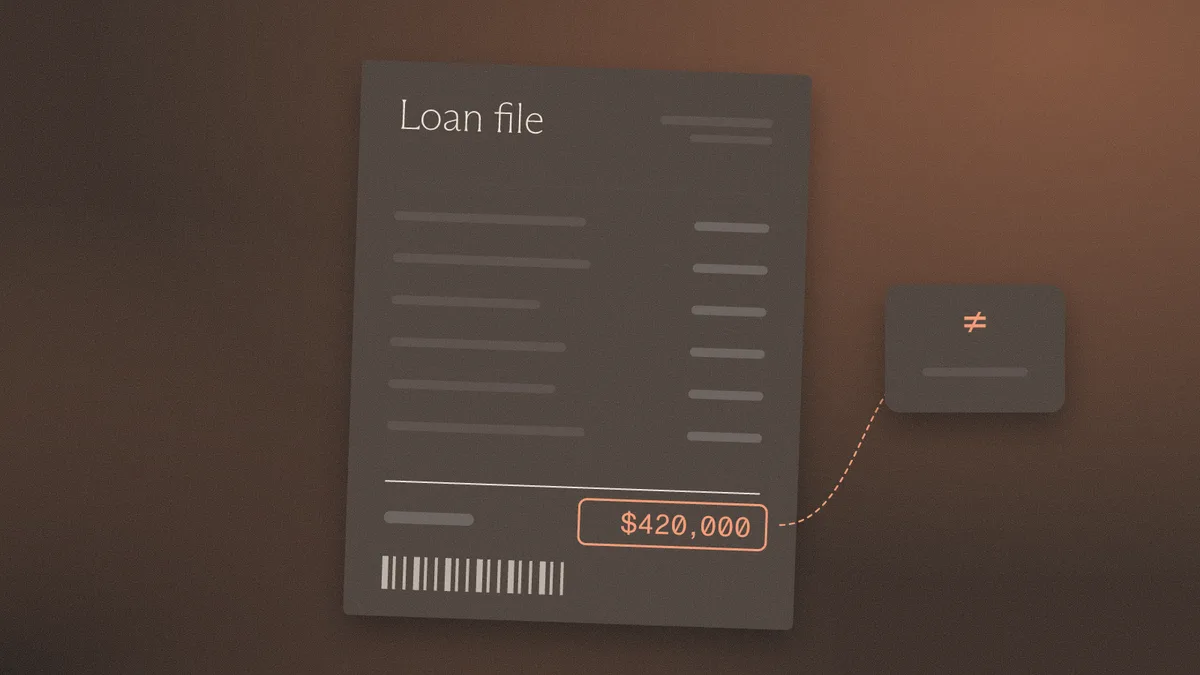
KYB document fraud detection checks certificates, registry extracts, and proof of address as files. Visual review misses edited-after-creation PDFs.

Document fraud statistics from FinCEN, FBI IC3, and FTC — and what those figures miss about edited PDFs, counterfeit templates, and file-level detection.
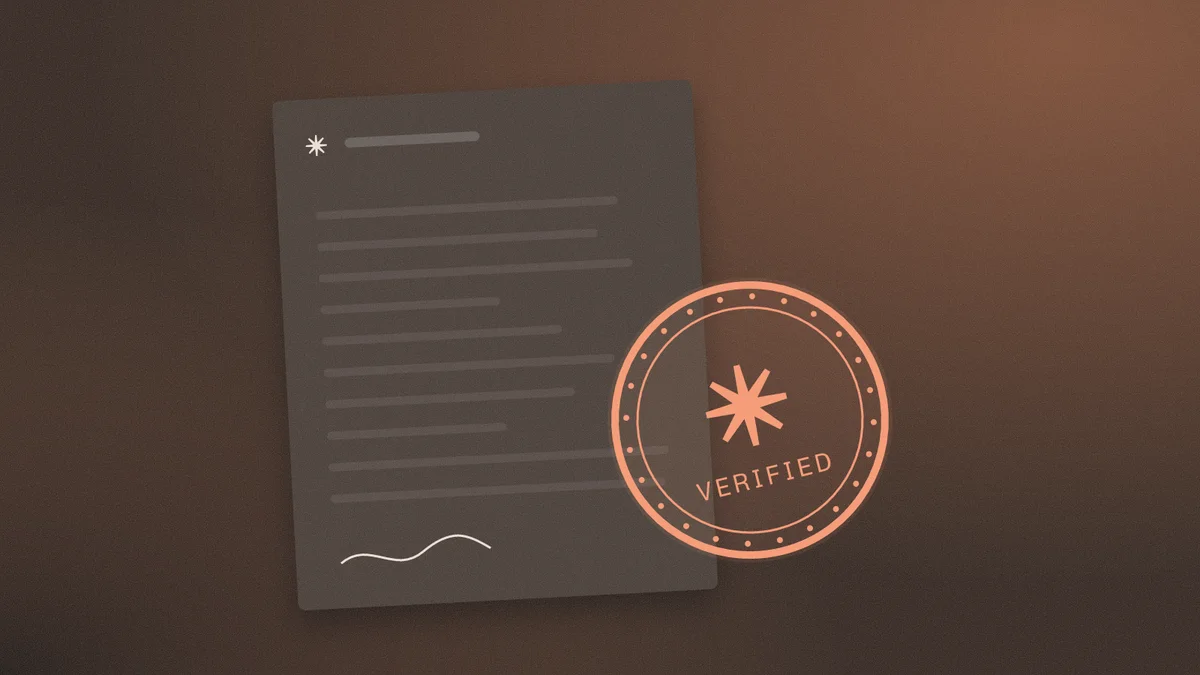
How to spot a fake certificate of incorporation in KYB: registrar mismatch, edited seals, generated COIs, and serial reuse. Visual review is not enough.
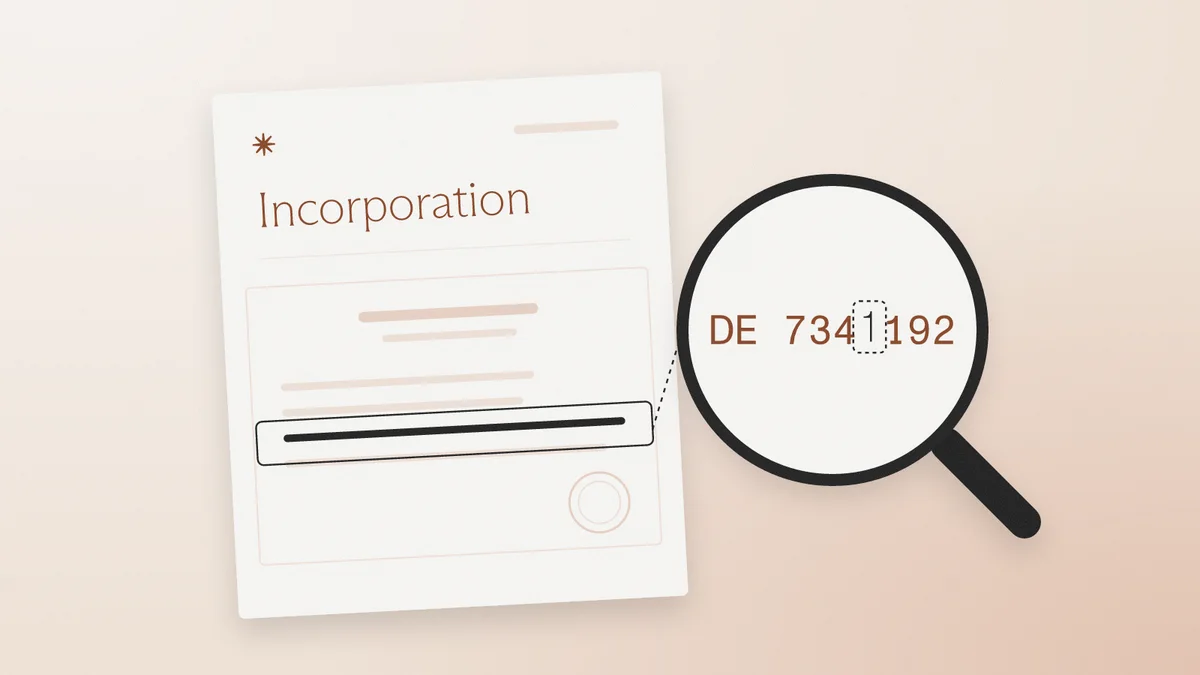
How to detect an AI-generated PDF using metadata, empty Producer strings, model artifacts, and the file history visual review misses.
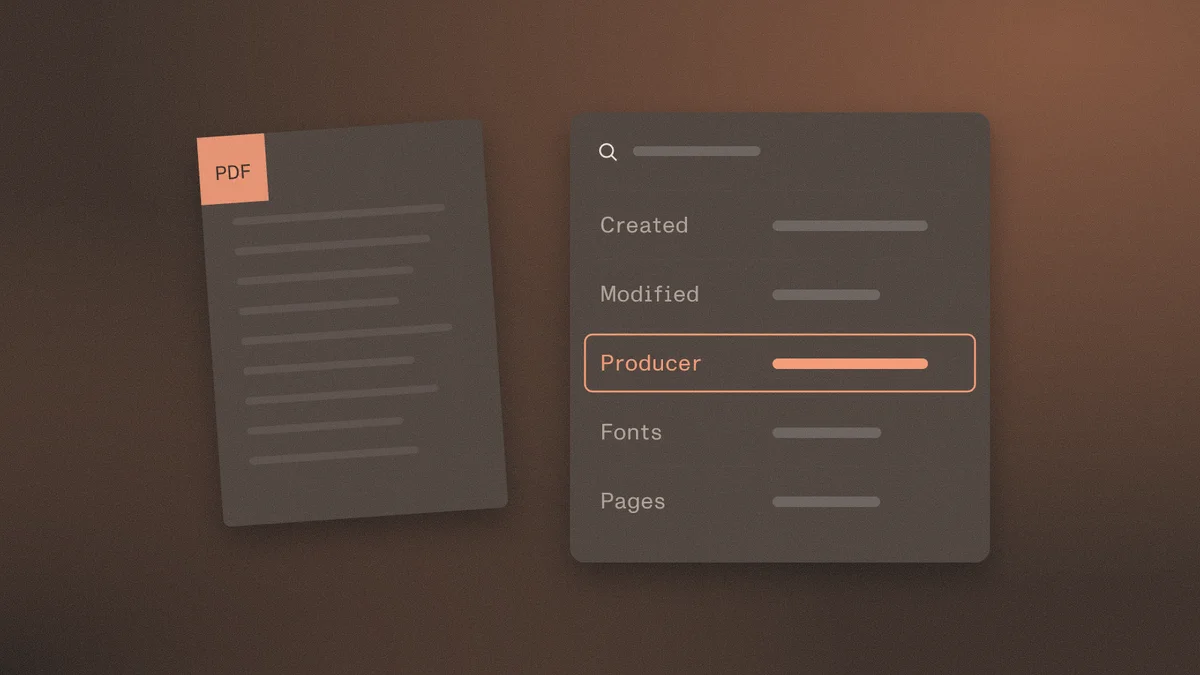
How lenders and onboarding teams spot fake pay stubs: edited vs generated files, deposit cross-checks, and what visual review misses.

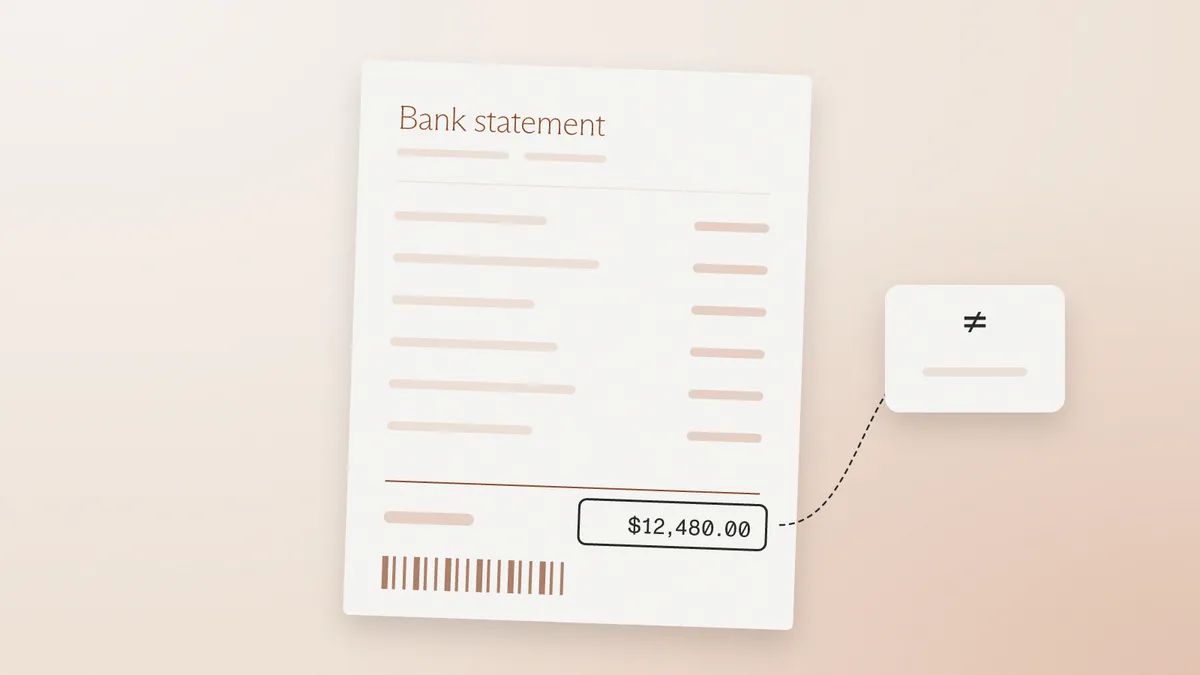
How to spot a fake bank statement: edited-after-creation vs generated-from-scratch, which visual tells still work, and how file history exposes forgeries.
Try another keyword or explore a different topic.