Most compliance automation assumes the systems have to be connected before any work can start. Case management, transaction monitoring, and screening each live apart, and getting them to talk is an engineering ticket. Compliance is rarely engineering's top priority, so even when the APIs exist, the integration sits in a backlog. The team stays working the queue by hand.
Sphinx was built around a different assumption: the way into a case is the same way an analyst gets in. A login.
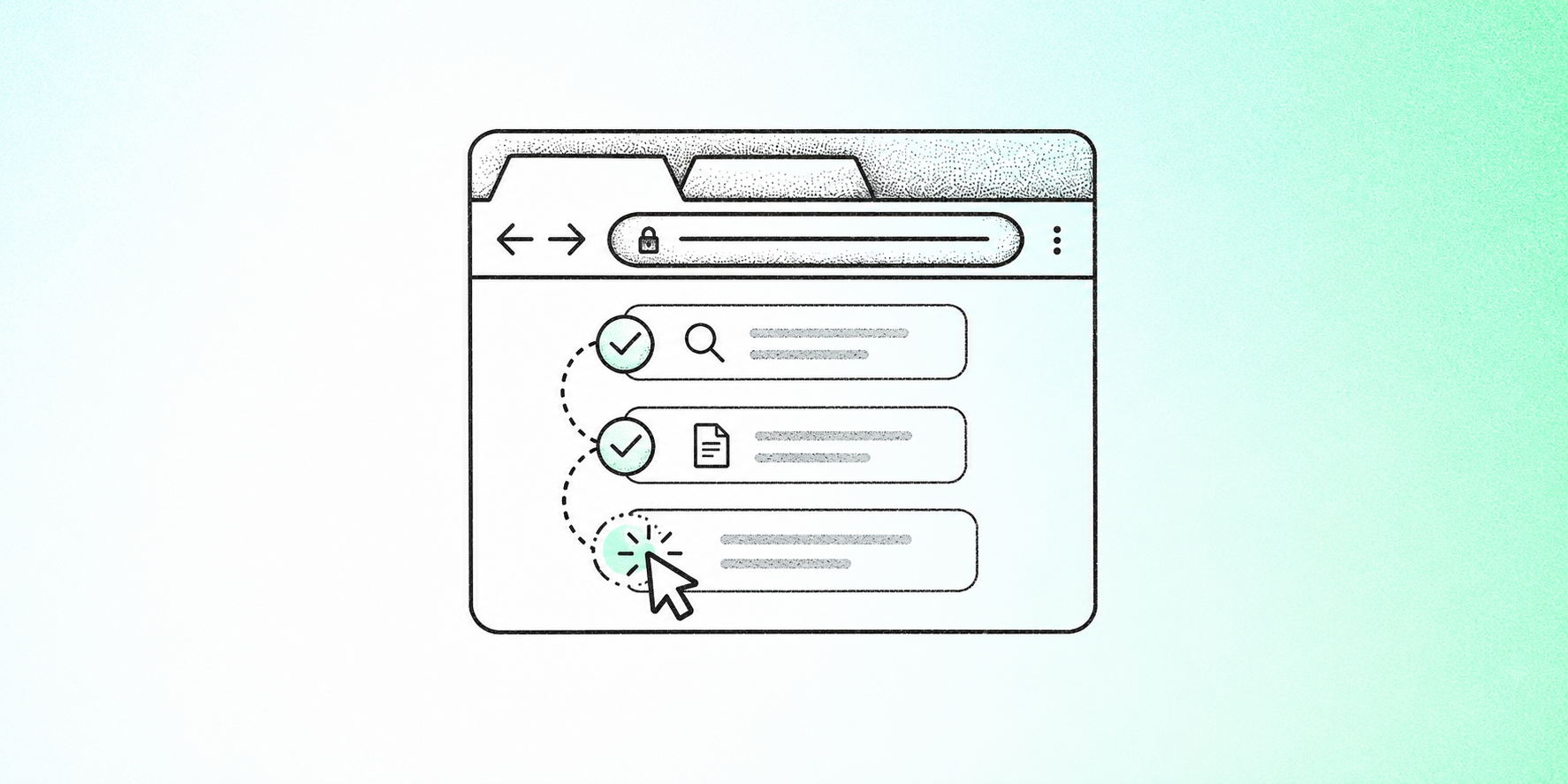
Browser agents are how we deliver on that. They sign into the tools a team already runs and work cases inside them. Same screens, same clicks, same case notes.
A login is the integration
A new analyst does not wait on a platform migration or a middleware project. They get a user account. Browser agents are onboarded the same way: a username and password in screening, monitoring, or case management. Where a provider offers an API, that connection can be used instead. Where it doesn't, the browser is enough.
How a case gets worked
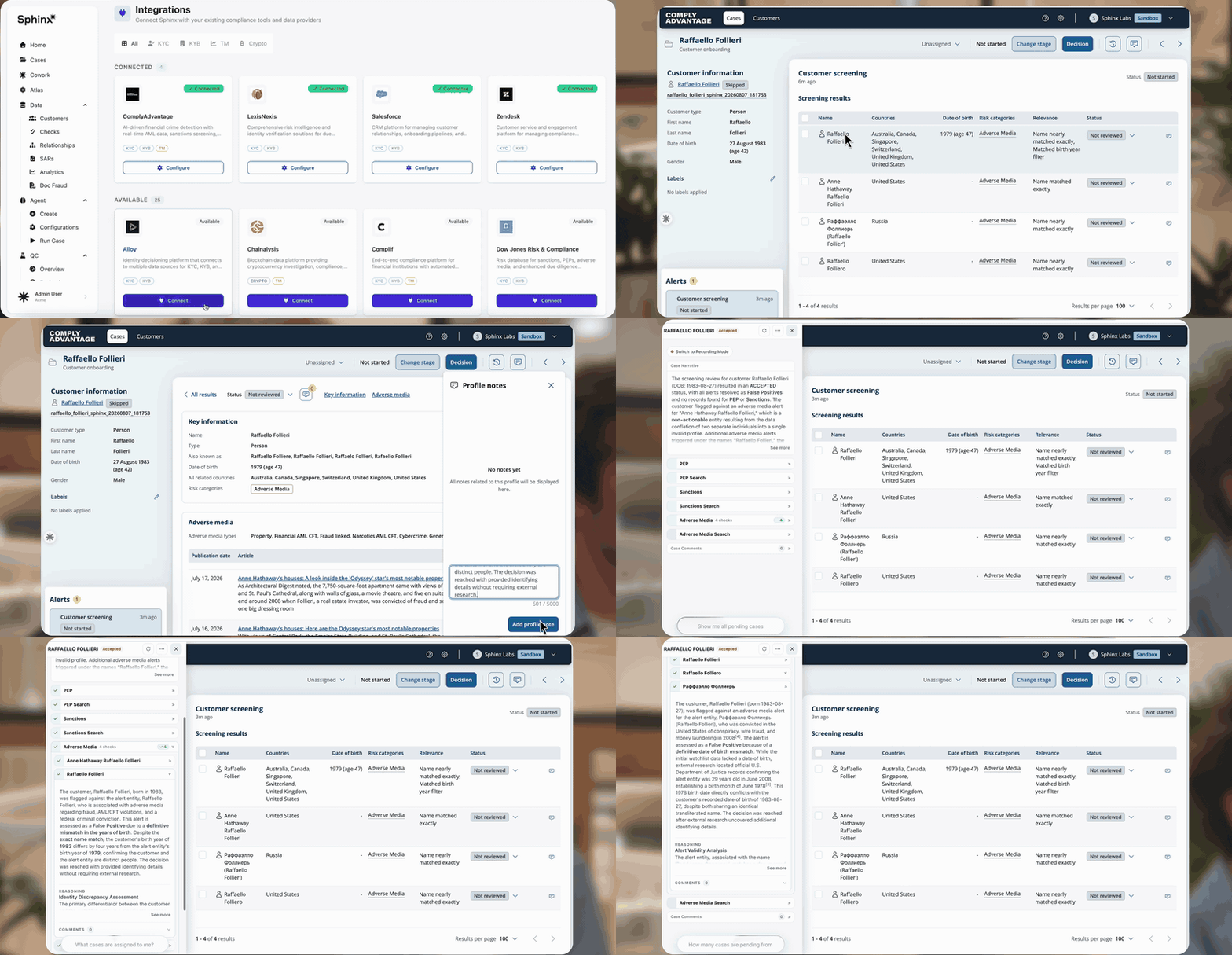
Inside Sphinx, the platforms already connected natively are visible. ComplyAdvantage is one. Sphinx plugs in, picks up alerts as they land, analyzes each hit, and writes its findings back where the team already reviews them.
On every case, the agent gathers evidence from the connected systems and from external research, then applies the institution's procedures. Clear cases get a disposition. Anything that isn't clear is escalated with the work already done: the evidence, the sources, the reasoning, and a drafted RFI.
The analyst stays in their own tool. A Chrome extension sits on top of it with a suggested decision, the reasoning, the supporting data, and the draft ready to send. Which queues the agent handles, and how far it goes before a person steps in, is the institution's decision.
What this looks like in production
Conduit gave Sphinx a username and password for its transaction monitoring tools and cleared a six-month backlog in two days. Morse pointed Sphinx at its screening alerts. Sanctions hits now resolve at roughly 99.9% precision, and the financial crime team gets about 200 hours a month back. Neither team migrated a platform or pulled engineering in to build an integration.
Designed for scrutiny
Every case keeps a record: the screens visited, the data pulled, the sources checked, the procedure applied, and the recommendation made. The analyst sees that record in the extension before they act, and it stays on the case. When an examiner asks how a decision was made six months ago, that file is the answer. Browser agents inherit the Interpretable Agentic Framework.
.png)